
Phone case coloring pages
Black-and-white designs already shaped like a phone insert, with the camera hole marked. Print one at your phone’s exact size, color it in with pencils or markers, cut it out and slide it behind a clear case.
Tip for parents: print two copies on one sheet, one for your child’s phone or toy phone and one for yours. Turn any photo into a coloring page with the Color me style in the maker.






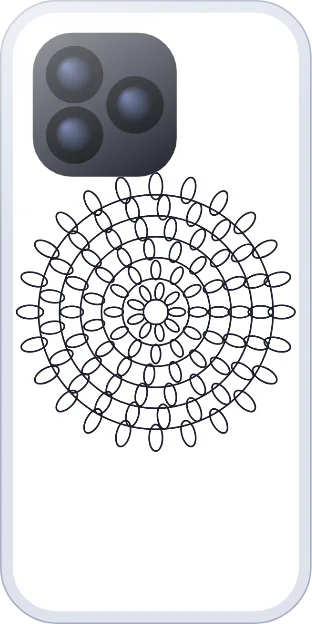
How to use a coloring insert
- Tap a design. It opens sized for your phone (choose the model once).
- Color it on screen with the Draw tool, or print it blank and color it by hand.
- Print at 100% on plain paper. Felt-tip markers can bleed through thin paper, so use pencils or crayons.
- Cut it out, cut the camera window and slide it in. Step-by-step guide
Questions about coloring inserts
What should I colour with?
Pencils and crayons are safest. Felt-tip markers can bleed through thin paper and smudge against the phone, so use heavier paper (up to about 160 gsm) if you want markers. See the paper guide.
Can I colour it on screen instead?
Yes. Open any coloring page in the maker and use the Draw tool, then print it in colour. You can also print it blank and colour by hand.
Will it fit my phone?
Every coloring page is resized to the model you pick, with the camera window marked. Choose your phone once and the size is remembered.
Can I draw my own picture instead?
Yes, see phone case drawing ideas for simple things to draw on a blank insert.