
Make printable inserts for your clear phone case
Pick a design or drop in a family photo. You get a sheet the exact size of your phone, camera hole included. Print it, cut it, slide it in.



Photo inserts
Your family, behind the glass
Upload a photo of your kids, your partner or your dog. Drag it into place, try black and white or film, add a line of text, and print. Your photo stays in your browser; we never upload it.


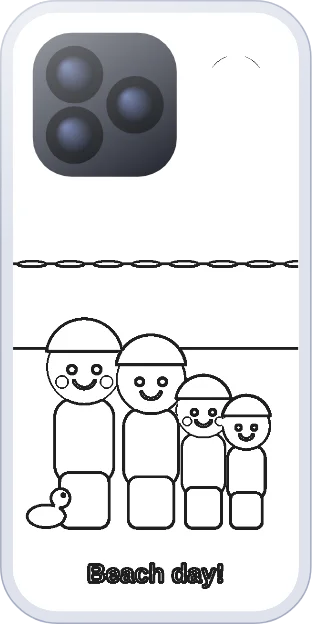
Ideas for your clear case
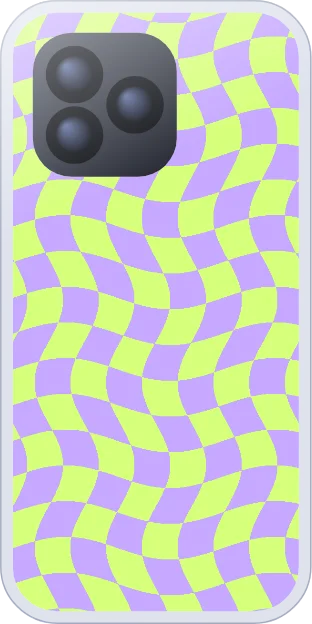
Tap a design to open it at your phone’s size. Add your name, a photo or a doodle before you print.










How it works
Pick your phone
Type your model. We have 113 phones and tablets, and a custom size for anything else.
Make it yours
Choose a design, upload a photo or search free photos. Add text, stickers or a drawing.
Print at 100%
Download the PDF and print at Actual size. The 5 cm ruler on the sheet confirms the scale.
Cut and slide it in
Cut the dashed outline and the camera window, then slide it behind your clear case.
Templates for your phone
All templatesMade with kids
Coloring pages shaped like your phone
Print a coloring insert, let your kids color it, and carry their art around all day. This site started with a kid making paper inserts for her dad’s phone.


Questions
What is a phone case insert?
A phone case insert is a piece of paper or card cut to the shape of your phone that sits between the phone and a clear case. It turns a plain clear case into a custom one: a photo, an aesthetic print, a kid’s drawing or a coloring page. You can swap it any time.
How do I make a phone case insert?
Open the insert maker, choose your phone model, then pick a design or upload a photo. Download the PDF, print it at 100% (Actual size), cut along the dashed line, cut out the camera window and slide the insert behind your clear case with the picture facing out.
What size should a phone case insert be?
The same size as the back of your phone, for example 71.5 × 149.6 mm for an iPhone 16 Pro. Every model has a template with its size in mm and inches. If your case is snug, print it 1 mm smaller with the Fit setting.
Why did my insert print too small?
The printer shrank it to fit the page. Print again and choose 100%, Actual size or No scaling in the print dialog. Each sheet has a 5 cm ruler so you can check the scale before you cut.
What paper is best for a clear phone case insert?
Plain 80 to 100 gsm printer paper works. Glossy photo paper makes photos look bright and sharp. Thin card up to about 160 gsm feels sturdier, but thicker card can make the case hard to close.
How do I cut out the camera hole neatly?
Fold the top of the insert gently through the X printed in the camera window, make one small snip, unfold, then cut along the dotted window line. Curved nail scissors or a craft knife on a cutting mat give the cleanest result.
Can I put my own photo in a clear phone case?
Yes. Upload a photo, drag and zoom it into place, try a filter such as black and white or film, and print. Your photo is processed in your browser and is not uploaded to our servers.
Does a paper insert block wireless or MagSafe charging?
No. A single sheet of normal paper does not stop wireless or MagSafe charging. Avoid foil or metallic paper, and very thick card.
Does it work for Samsung, Pixel and iPad?
Yes. There are templates for 113 devices, including iPhone, Samsung Galaxy, Google Pixel, OnePlus, Xiaomi, Motorola, iPad and Galaxy Tab. For anything else, enter your case size in millimetres.
Is it free? Do I need an account?
It is free for personal use and needs no account. Your phone model and paper size are remembered in your browser so you do not have to pick them again.