
Paper inserts in a MagSafe clear case
Short answer: one sheet of ordinary printer paper is very unlikely to stop MagSafe or Qi wireless charging, because paper is thin and not magnetic or metallic. We found no maker, standard or test result saying it does. But Apple tells people not to put anything between an iPhone and a charger, and gives no thickness limit, so test your own case and insert with the 15-minute check below.
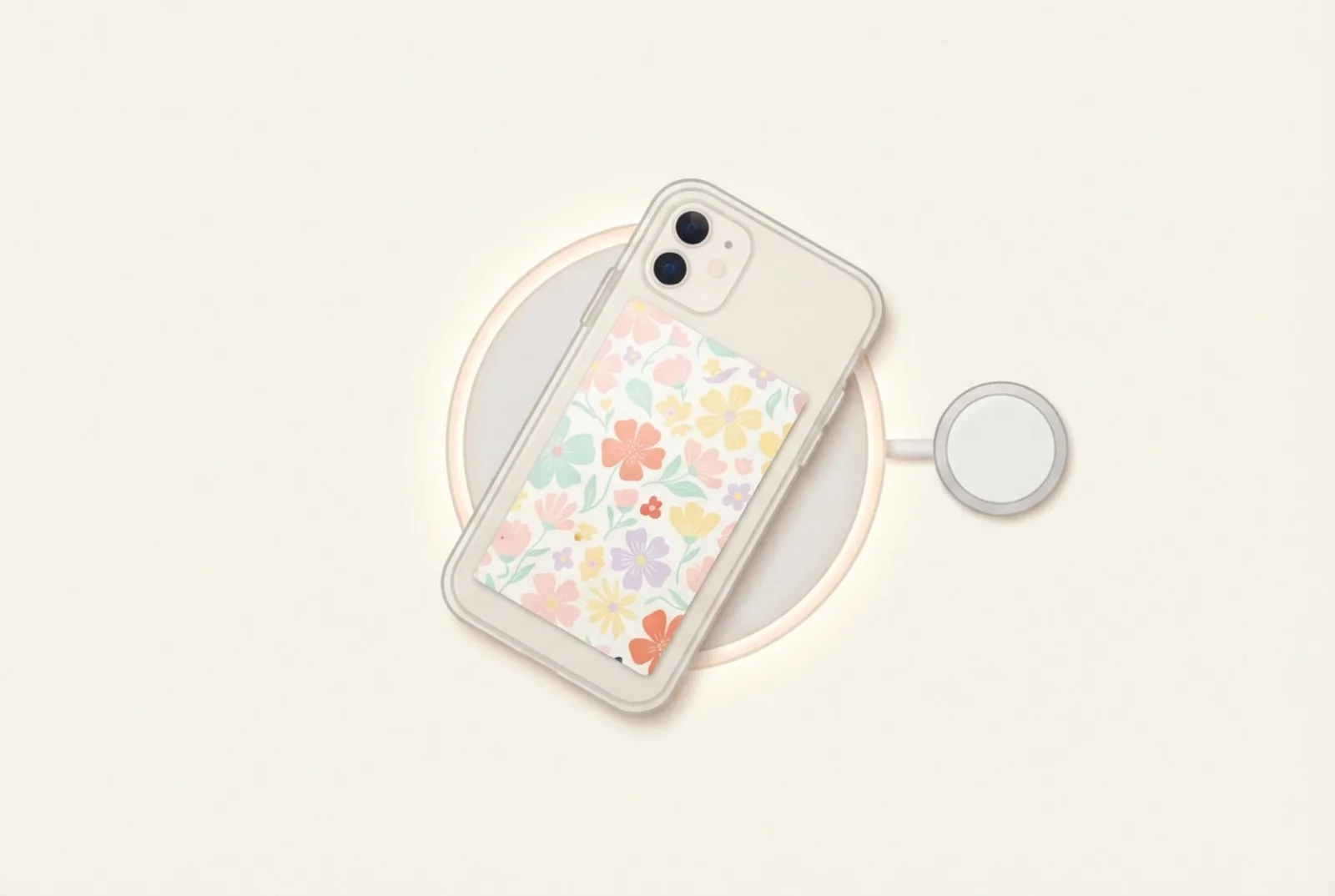
- An 80 gsm sheet is about 0.1 mm thick. That is thin next to most cases; measure yours with callipers if you want to compare.
- The real risks are metal (foil, metallic or glitter paper), cards with magnetic stripes or RFID chips, and several thick layers.
- Apple’s support pages give no thickness limit for cases. They say a thick, metal or battery case can slow or stop charging.
- Run the baseline test: same start level, 15 minutes with and without the insert, compare battery gain and warmth.
What sits between your phone and the charger
With a clear case and an insert, the charger no longer touches the phone. Between them are, in order, the case back, the insert and then the phone. Wireless charging works by a coil in the charger and a coil in the phone passing energy through whatever is between them. MagSafe adds a ring of magnets that snaps the charger onto the phone and keeps the two coils lined up. On a MagSafe case, the magnet ring sits inside the case, and the phone’s magnets pull toward it through the insert.
What Apple says
Apple’s page on wireless charging says: “Don’t place anything between your iPhone and the charger.” It adds that magnetic mounts and cases, or other objects in that gap, may lower performance and can damage magnetic strips or RFID chips in items such as credit cards, security badges, passports and key fobs. For slow or failed charging, Apple suggests removing a “thick case, metal case, or battery case”. It gives no thickness figure. Apple’s MagSafe Charger page repeats the warning about cards, badges, passports and key fobs. (Apple Support: wireless charging, MagSafe Charger.)
Read that honestly: a case is also “something between” the phone and the charger, and people use cases on chargers every day. Apple does not say what it means by “anything”, but its examples are magnetic, metallic or thick items. It does not name paper, and we found no maker, standard or test that says thin paper blocks charging. That is not proof it is safe in every case, which is why the test below exists.
How thick is paper, really?
Paper weight (gsm, grams per square metre) measures weight, not thickness, but for the same type of paper it is a good guide. One paper supplier lists 80 gsm paper as about 100 microns (0.1 mm) and a 300 gsm coloured board as about 380 microns, and notes that the weight-to-thickness relationship varies by material. A second guide gives an average of 0.05 to 0.10 mm for A4 paper and says the same gsm can differ in thickness between brands. Thin card sits somewhere between plain paper and board: we did not find a reliable figure for it, so if it matters, measure a sheet with digital callipers. (Handy Tags: paper weights; Uniquely Creative: what is gsm for paper.)
For context, the Qi wireless-charging standard works over distances of up to about 4 cm, and low-power coils are typically around 5 mm apart. A 0.1 mm sheet is about 2% of a 5 mm gap; a 0.38 mm board is about 8%. These are order-of-magnitude comparisons, not a measurement of any particular phone. (Wikipedia: Qi.) MagSafe’s magnetic hold is a different matter: magnets weaken quickly with distance, so the thickest thing you can add is the thing most likely to loosen a wallet or car mount.
What to avoid behind the phone
| Item | Why |
|---|---|
| Foil, metallic or glitter paper; metal plates; magnetic stickers | Metal can block or disturb charging. Qi chargers include foreign-object detection to stop metal heating up, so charging may pause or stop instead. |
| Credit cards, security badges, passports, key fobs (and similar key cards) | Apple warns that magnets and charging fields can damage magnetic strips and RFID chips. |
| Thick card, several layers, laminated sheets | More distance for charging and a weaker magnetic hold. Lamination also adds plastic. |
| Anything damp (fresh flowers, wet glue) | Moisture can mark the phone and the paper. |
The 15-minute baseline test
Do this once per case. It tells you what your setup does instead of what the average does.
- Baseline. Put the phone in the case without the insert. Note the battery percentage, then charge on your wireless charger for 15 minutes. Note the percentage and whether the back feels warm.
- With the insert. Start both runs from the same low level, for example 20%, with the screen off and the phone at room temperature. Run the no-insert test first, let the phone drain back to 20%, then repeat with the insert for the same 15 minutes.
- Compare. Similar gain and similar warmth means the insert is fine. A clearly smaller gain, or a hot back, means try thinner paper or remove the insert.
- Magnetic hold. Snap on your MagSafe charger, wallet, stand or car mount and lift the phone gently, then give it a light shake. It should stay attached.
- Insert printed on plain or thin photo paper (no foil, no glitter)
- Only one sheet behind the phone
- No cards, badges or key fobs behind the phone
- Charged 15 minutes with and without the insert and compared
- MagSafe accessory still holds when lifted
Design tips for MagSafe clear cases
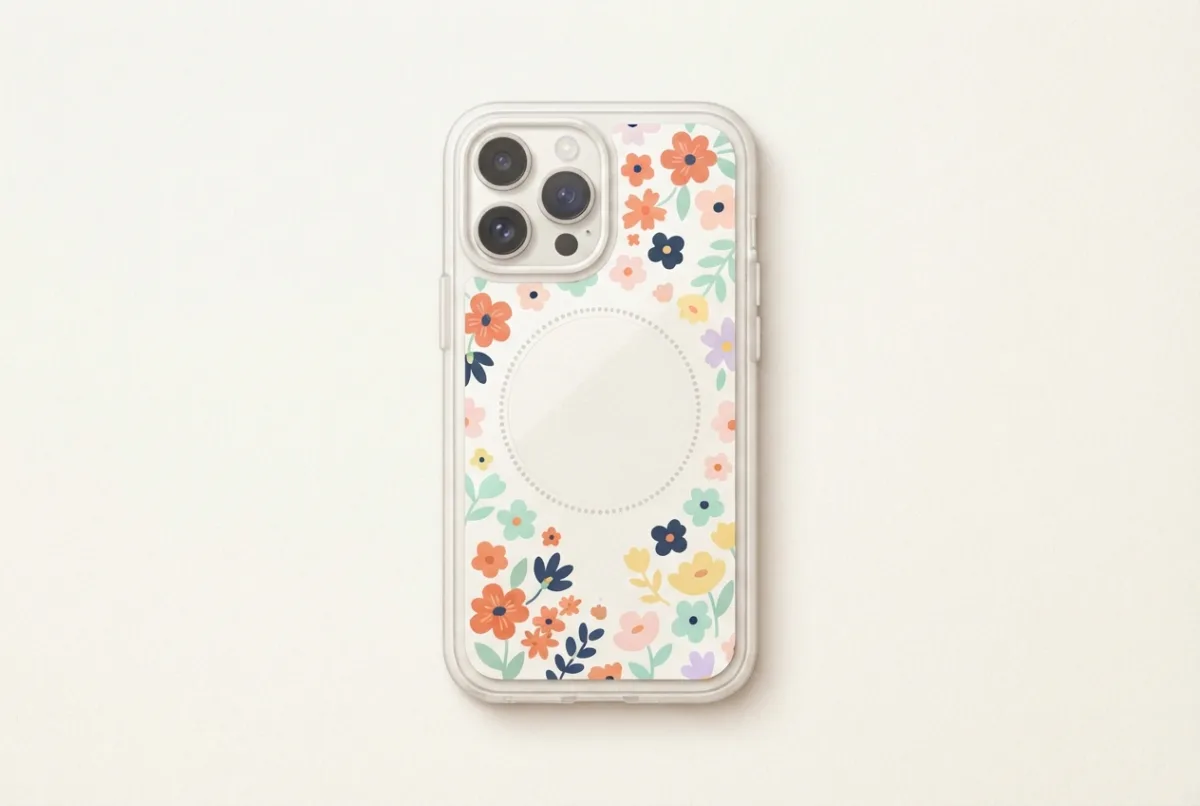
- The magnet ring may show. Many clear MagSafe cases show a circle in the centre. Choose a pattern that hides it, such as small flowers or checks, or place a photo’s subject off-centre.
- Cut the camera hole to the case. Some MagSafe cases have a larger camera opening than the phone. See the camera-hole guide.
- Choose the paper. Plain paper is thinnest; photo paper looks best. See the paper guide.
- Print at true size so the insert sits flat. How to print at 100%.
Samsung, Pixel and other Qi phones
The charging question is the same for any phone that charges on a Qi pad: the insert adds a small distance, and metal is the real problem. MagSafe magnets are specific to iPhones and to cases or chargers with a magnet ring; the newer Qi2 standard uses a similar magnetic alignment ring (see the Wikipedia Qi article in Sources). If your phone and case have one, run the magnetic hold test too.
Questions
Will an insert make my MagSafe wallet or car mount fall off?
We have not measured this. The magnets are held by distance, so test with the heaviest thing you carry. If the hold feels weaker, switch to thinner paper.
Can I use glossy photo paper?
Yes. It is a little thicker than plain paper, so run the baseline test once. See the best paper for phone case inserts.
Does a laminated insert work?
We would avoid it. Lamination adds plastic and thickness.
Does the insert affect wireless charging speed?
That is what the baseline test measures. We did not find published measurements for paper inserts, so do not rely on a general claim; compare your own 15-minute gain with and without.
Can I put my bank card behind the phone with an insert?
Not if you charge wirelessly. Apple warns against placing cards, badges, passports or key fobs between an iPhone and a MagSafe or wireless charger.
What if my phone gets hot?
Stop charging, remove the insert and case, and let it cool. If it still heats up without the insert, the cause is something else; see Apple’s wireless charging page.
Sources
- Apple Support: How to wirelessly charge your iPhone (objects between phone and charger, thick or metal cases, warming).
- Apple Support: How to use your MagSafe Charger with iPhone (cards, badges, passports and key fobs).
- Wikipedia: Qi (standard) (foreign-object detection, charging distance, Qi2 magnetic alignment).
- Handy Tags: Paper weights explained (typical thickness of 80 gsm paper and 300 gsm board).
- Uniquely Creative: What is gsm for paper? (gsm is weight, not thickness; typical A4 paper 0.05 to 0.10 mm).