
Halloween phone case insert ideas
Short answer: the fastest Halloween insert is our free coloring page: a pumpkin, spider, skull, witch hat, ghost and candy, already shaped for a phone with the camera hole marked. Print it at your phone’s size, color it with pencils, cut it out and slide it behind a clear case. If you would rather skip the coloring, print the full-colour spooky night design, or draw your own on a blank template.
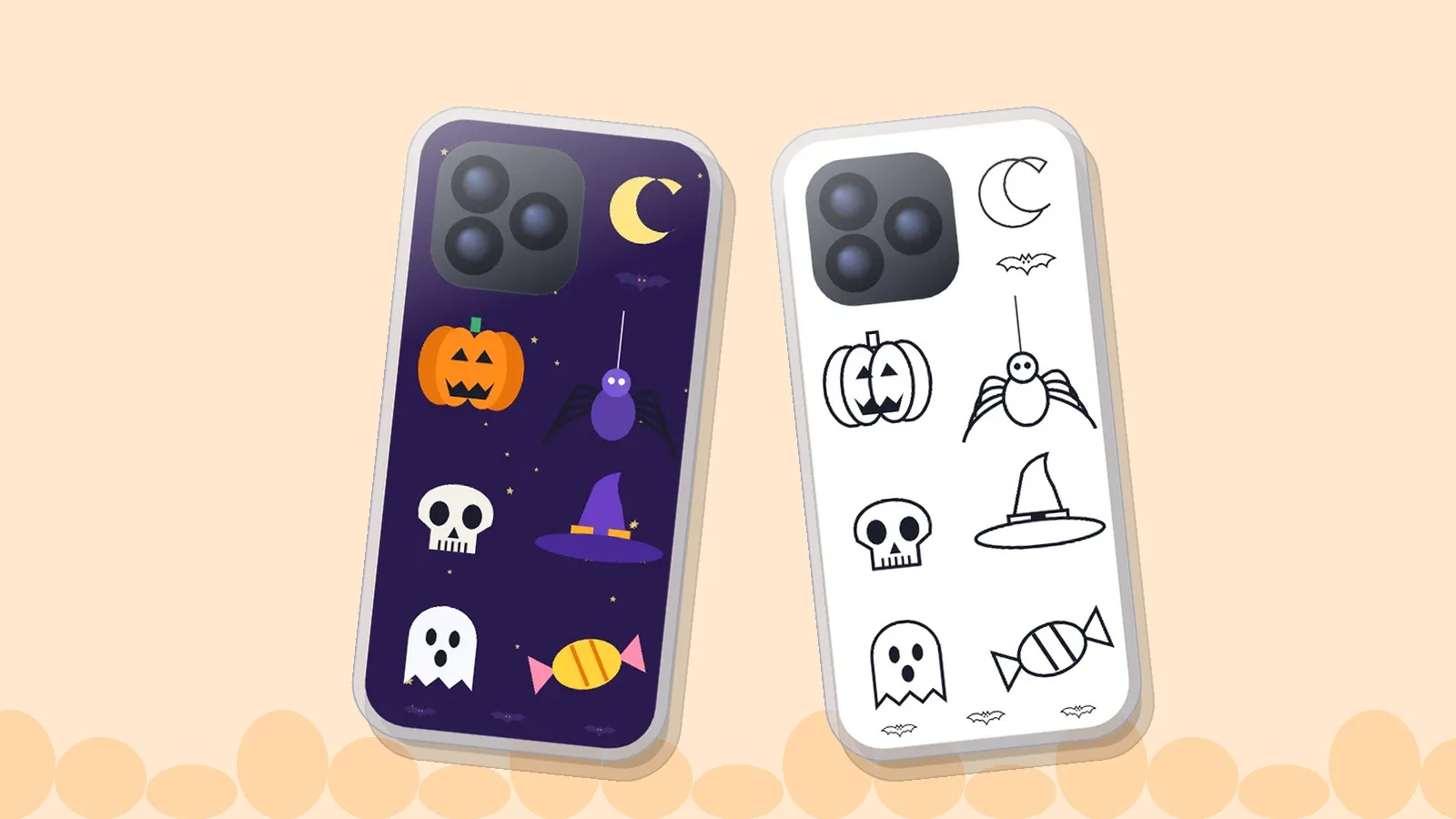
- Both Halloween designs are free and open in the maker at your exact phone size.
- Coloring takes about 20 to 30 minutes for a child (our estimate), so start the day before you want to use it.
- Pencils and crayons are the safe choice; markers can bleed through thin paper, and craft knives are for adults.
- Black, orange and purple are the traditional Halloween colours, so those three carry any design.
- A blank template lets kids draw their own monsters instead of coloring ours.
Two free Halloween designs
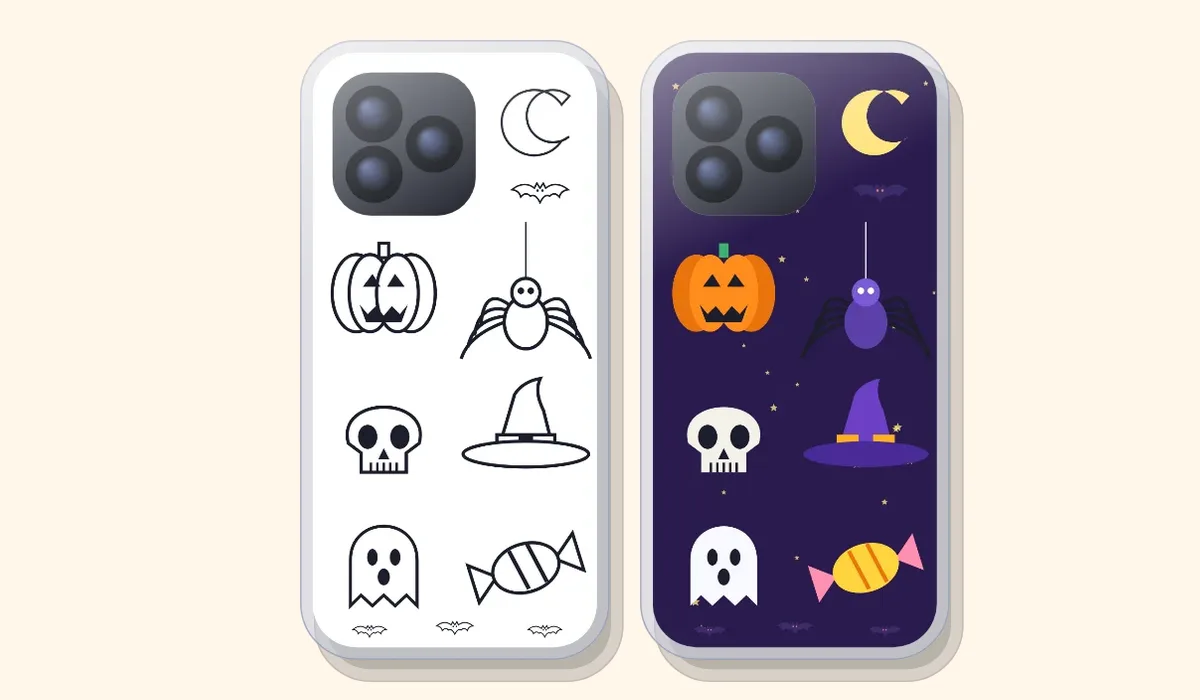
Tap a picture to open it in the insert maker. Choose your phone once and the design is sized to fit, with the camera window marked so nothing important is hidden. Both designs show the same six things (pumpkin, spider, skull, witch hat, ghost and candy), so you can print one for yourself and the other for a friend.
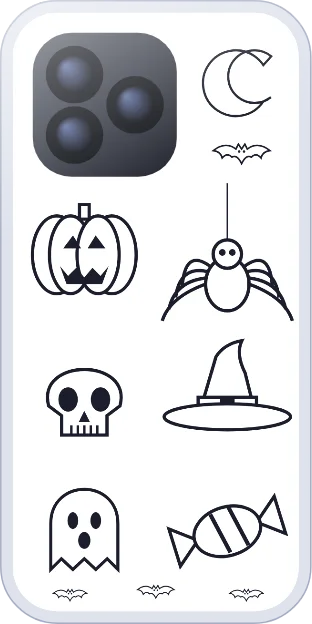
Halloween to color
Black-and-white outlines for pencils or crayons
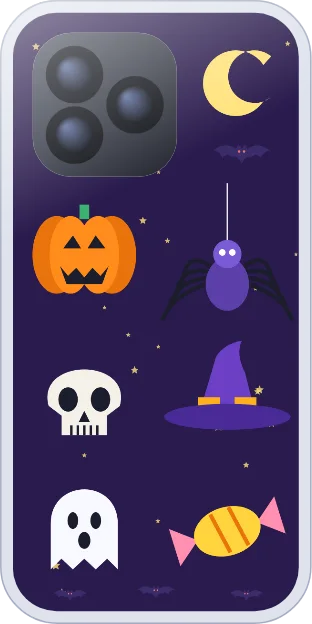
Halloween night
Full-colour, ready to print
Pick an idea by effort
Times are our rough estimates, not measurements.
| Idea | Time | You need | Good for |
|---|---|---|---|
| Halloween night design, printed as is | 5 minutes | A printer | Anyone in a hurry |
| Costume photo insert | 5 minutes | One photo | Party night |
| Name or “trick or treat” text insert | 5 minutes | The text tool | Younger kids |
| Halloween coloring page | 20 to 30 minutes | Pencils or crayons | Ages 4 to 10, a rainy afternoon |
| Draw your own monsters | 20 to 40 minutes | Blank template, pens | Kids who like to invent |
| Paper-cut silhouette | 30 minutes | Black paper, scissors | Teens and adults |
10 Halloween insert ideas
- Color the Halloween page. Pumpkin orange, spider purple, ghost left white. Use the coloring design above, and print a second copy so a child can try colours on the first.
- Halloween night, printed as is. The purple sky design needs nothing but a printer; glossy photo paper makes the orange and purple stronger.
- Draw your own. Print a blank template for your phone and let a child draw a monster family. Read how kids make their own inserts.
- Costume photo. A good photo of the costume, cropped tall, with the face in the lower two thirds so the camera window does not cover it. Make a photo insert.
- Black-and-white spooky portrait. Apply the black-and-white filter to a photo taken in dim light for a moody look.
- “Trick or treat” in handwriting. Short text on a plain orange or black background, placed below the camera area.
- Paper-cut silhouette. Cut a bat, cat or tree from black paper, glue it on a pale orange insert and slide it in. Keep it flat so the case still closes.
- Pumpkin patch photo. A close crop of pumpkins in daylight, kept simple so it reads at phone size.
- Candy count. A small tally grid you tick as the evening goes on: one box per house.
- Haunted house to draw. Print the blank template, draw a house with lit windows in yellow, then add ghosts in the windows.
Why Halloween looks the way it does
The symbols on a Halloween insert have a long history, and knowing it helps you choose what to draw. Wikipedia’s Halloween article traces the festival’s roots to Samhain, a Gaelic celebration of the end of the harvest, held around 31 October to 1 November, and notes that the name comes from “All Hallows’ Eve”, the evening before All Hallows’ Day on 1 November. (Wikipedia: Halloween.) The same article describes how people in Ireland, Scotland and northern England carved turnips, while immigrants to North America switched to pumpkins because they are softer and easier to carve, with American pumpkin carving recorded by 1837. It also says guising (going door to door in disguise for food) is recorded from at least the 16th century, and that the first known print use of “trick or treat” dates from 1917 in Ontario, Canada.
The article lists skeletons, ghosts, cobwebs, headstones, witches, scarecrows, black cats and jack-o’-lanterns among the common symbols, and black, orange and sometimes purple as the traditional colours. That is why both of our designs use the same palette. It also gives you a ready list of things to draw: any of those eight symbols will look right on a Halloween insert. We did not find a reliable source for bats in that article, so we do not claim a history for them.
How to color it so it looks good behind a case
- Use pencils or crayons. Felt-tip markers can bleed through thin paper and smudge against the phone. If you want markers, use heavier paper. See the paper guide.
- Keep a light touch near the edge. The case rim can hide a few millimetres all round, so keep important details a little inside the border.
- Color the camera area too. You cut that part out, so there is no need to leave it blank, but keep important details out of it.
- Print two copies. A spare lets a child try colors on the first one.
- Let it dry. If you used paint or wet markers, wait until the paper is completely dry before it goes near the phone.
New to cutting the camera hole? Read how to cut the camera hole, and if the printout is too small, how to print at true size.
Colour safely with children
Art materials aimed at children are covered by a labelling scheme. The Art & Creative Materials Institute’s AP (“approved product”) seal means a toxicologist has certified the product as non-toxic in normal use, and the CL seal marks products such as glazes, spray paints and rubber cement that are safe only when used as directed; the Northern New England Poison Center, quoting the institute, recommends that children in grade 6 or lower not use CL products. It also advises supervising young children and keeping small pieces away from them because of choking. (Northern New England Poison Center: art supplies and the ACMI seal.) For an insert this is easy to follow: look for the AP seal on crayons and pencils, leave spray paint and strong glue out of the plan, and keep craft knives with an adult.
- Pencils, crayons and washable markers with an AP seal.
- Scissors with rounded tips for younger children; adults cut the camera window.
- A glue stick, not wet glue, for paper-cut silhouettes.
- A flat table and good light, so the work stays neat.
A short plan for a kids’ Halloween craft hour
This plan is ours, not from a source, and the times are estimates. It suits one to six children and a grown-up.
| Time | What happens |
|---|---|
| Before | Check each child’s phone model in the templates list, print one page per child at 100% and one spare, and set out pencils. |
| 0 to 25 minutes | Color the page. Remind children to stay a little inside the border. |
| 25 to 35 minutes | Adult cuts the outline and camera window. |
| 35 to 40 minutes | Slide the insert into the clear case and compare. |
Children’s phones are often not their own, so decide whose phone gets the insert before you start. For a class or a party where the phones differ, a blank template per phone model works better than one shared design.
Halloween night safety
A phone insert is a decoration, not a safety item. For trick-or-treating, Safe Kids Worldwide recommends adding reflective tape or stickers to costumes and bags, carrying glow sticks or flashlights, choosing face paint over masks that can block vision, and having a grown-up join children under 12. (Safe Kids Worldwide: Halloween safety tips.) Make the insert indoors and keep the phone in a pocket while crossing the street.
After Halloween
- Keep the file. The designs are in the maker for next year, and you can reprint any time.
- Swap, do not store. A paper insert costs a sheet of paper, so replace it with a new design in November: see what to put in a clear phone case.
Questions
Is the Halloween coloring page free?
Yes. Both Halloween designs are free for personal use, with no account needed.
Which paper should I use?
Plain paper is fine for coloring with pencils or crayons. Use glossy photo paper for the full-colour night design. See the paper guide.
Can I use a character like a famous cartoon witch?
Use your own drawings and photos. Characters and logos belong to their owners, and our designs are original.
Will the insert fit my phone?
The maker sizes it for the model you choose and marks the camera window. If a printout looks too small, see how to print at true size.
Can children draw directly on the template?
Yes. Print the blank template at 100%, draw with pencils, felt tips on heavier paper or gel pens, then cut it out.
Does a dark Halloween design show through a clear case?
Yes, the insert shows through the clear back, so a dark design stays dark. If the case is cloudy or scratched, the design will look the same way.
Sources
- Wikipedia: Halloween (Samhain and All Hallows’ Eve, turnips and pumpkins, guising, first print use of “trick or treat”, common symbols and colours).
- Safe Kids Worldwide: Halloween safety tips (reflective tape, glow sticks, face paint instead of masks, supervision).
- Northern New England Poison Center: Are your art supplies toxic? Look for the ACMI seal (AP and CL seals, supervision and choking).