
Phone case insert doesn’t fit: causes and fixes
Short answer: most fit problems come from three causes: the printer scaled the page (the insert is too small), the case window is smaller than the phone (the insert is too big or bends), or the camera hole was cut in the wrong place. Check the 5 cm ruler on the sheet first, then follow the flowchart for rarer cases such as a longer case or thick paper.
- Rule out the printer first. A page shrunk by about 3 to 6% (see our printer scale test) is a common reason an insert is too small, and it has nothing to do with the case.
- If the insert bends, the case window is probably smaller than the phone. Use Fit: 1 mm smaller, or measure the case.
- Cut the outer edge slightly outside the line and the camera hole slightly inside it. You can remove paper but not add it.
- Test on plain paper before you print on good paper.
Find your problem with the flowchart
Symptom table
| What you see | Most likely cause | Fix |
|---|---|---|
| The insert is a few millimetres too small and slides around | The printer scaled the page to fit | Print at 100% / Actual size and check the 5 cm ruler. How to print at 100% |
| The insert is too big, bends or will not go in | The case window is smaller than the phone, or the case has thick edges | Choose Fit: 1 mm smaller (2 mm for thick cases) in the maker, or use a custom size |
| It fits at the sides but a gap shows at the top or bottom | The case is a little longer or shorter than the phone | Measure the inside of the case and use a custom size. How to measure |
| The camera hole is off to one side | The cutout was cut by eye, or the case has a larger opening than the phone | Use the printed outline and cut inside the line. Camera-hole guide |
| The insert bulges in the middle or the case will not close | Paper or card is too thick | Switch to plain or thin photo paper. Paper guide |
| The insert curls or ripples | Ink-heavy print on thin paper | Let it dry flat before cutting; use photo paper or heavier paper |
| A white edge shows against a dark phone | You cut slightly inside the line | Cut on the line, or colour the edge with a marker |
How big is a scaling error?
A small percentage sounds harmless, but a phone insert has almost no slack. The table shows what happens to a 71.6 × 147.6 mm insert (the size of an iPhone 16 back, from the manufacturer’s published dimensions) when a printer or program shrinks the page. The sizes are plain arithmetic: 71.6 and 147.6 multiplied by the scale.
| Print scale | Printed size (mm) | Lost in width / height (mm) |
|---|---|---|
| 100% (correct) | 71.6 × 147.6 | 0 / 0 |
| 99% | 70.9 × 146.1 | 0.7 / 1.5 |
| 97% | 69.5 × 143.2 | 2.1 / 4.4 |
| 95% | 68.0 × 140.2 | 3.6 / 7.4 |
| 94% | 67.3 × 138.7 | 4.3 / 8.9 |
| 90% | 64.4 × 132.8 | 7.2 / 14.8 |
Even 97% loses about 2 mm across and 4 mm down, which is enough to make the insert slide and show a gap. A phone’s own tolerances are measured in fractions of a millimetre, so a percent or two matters. That is why the 5 cm ruler is on every sheet: it shows the error before you cut. Apple’s own Preview guide warns that the Scale to Fit option shrinks or enlarges a page to fill the paper. (Apple Support: Print PDFs and images in Preview.)
Where the millimetres go: a tolerance budget
When an insert “does not fit”, the error is often a sum of small ones. Think of it as a budget; each line below is a plausible source, not a measured one.
| Source of error | What to check | Typical effect (our illustration) |
|---|---|---|
| Printer scaling | The 5 cm ruler | Up to several mm if “fit to page” is on |
| Case opening versus phone | Lay the insert on the open case | The opening can be a little smaller or larger than the phone |
| Cutting outside or inside the line | Compare the cut edge with the printed line | About half a millimetre either way by hand |
| Rounded corners | Do the corners sit flat? | A square corner can fold in a rounder case |
| Paper thickness | Does the case close easily? | Thick paper takes up room behind the phone |
The “typical effect” column is our illustration of how each error behaves, not a test of any case or printer. If you want real numbers, measure your own case with the measuring guide.
Fixes by symptom, in more detail
The insert is too small
- Check the ruler first. If it is short, fix the print and ignore everything else.
- If the ruler is exactly 5 cm and the insert still looks small, the case window is larger than the phone. Use Fit set to 0 and, if needed, a custom size from your own measurement.
The insert is too big or bends
- Trim a hair off the long sides, then test again; repeat until it sits flat.
- Reprint with Fit: 1 mm smaller (2 mm for thick cases) so the corner radii and edges match better.
- Round the corners; a rounder case needs rounder paper.
The camera hole is wrong
- If the printed hole does not line up with the case opening, the case opening may be bigger or in a slightly different spot. Cut to the case’s opening, not the printed square.
- If a white edge shows around the lens, colour the paper edge with a dark marker, or print again.
The insert will not stay put
- A tiny piece of removable tape at the top works as a stopgap.
- The better fix is a correctly sized insert: a loose one is too small or the case is a little long.
Decide: trim, reprint or measure?
| Situation | Best move | Why |
|---|---|---|
| Slightly too big, ruler is 5 cm | Trim | A hair off the long sides is quick and free |
| Ruler is short | Reprint at 100% | The fault is in the print, not the paper |
| Gap at one end, ruler is 5 cm | Measure the case | The case is longer than the phone, so use a custom size |
| Case has a rugged or wallet shape | Measure the case | The published phone size is a poor guide |
| Hole is off | Reprint, then cut to the case opening | A cut hole cannot be moved |
Step 1: rule out the printer
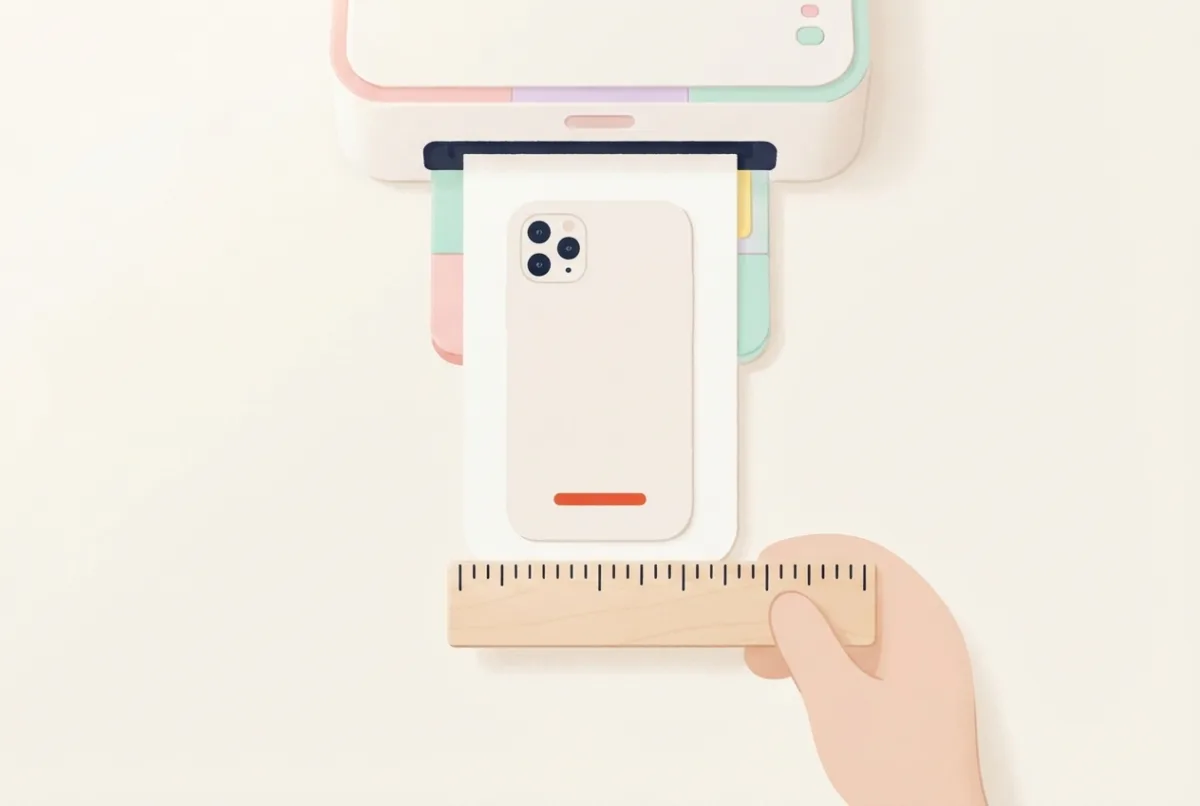
Before you change anything else, measure the 5 cm ruler printed on your sheet. If it does not measure exactly 5 cm, the page was scaled. Printers often shrink a page to fit inside their unprintable margin, and a PDF viewer can do the same when “Fit to page” is on. At a 3 to 6% shrink, a 71.5 mm wide insert comes out between 67.2 and 69.4 mm wide (about 2 to 4 mm too narrow): loose, and too short at the top. The one-page printer scale test shows it in seconds.
Step 2: check the case, not just the phone
Our templates use the manufacturer’s published size of the back of the phone. A clear case opening can differ from the phone’s size, because the case has a lip that holds the phone; we have not measured how much it varies. Two quick checks:
- Lay the printed insert on the back of the open case. If it needs trimming to sit flat, use the Fit setting next time.
- Look at the corners. A case with larger rounded corners than the phone will fold a square-cornered insert. Trim the corners with scissors.
Cases that often cause trouble: thick “rugged” clear cases with raised corners, cases with a bumper that overlaps the back, MagSafe cases with a magnet ring (a ring that raises the phone slightly), and wallet-style cases. For these, measure the case instead of trusting the template.
Step 3: cut slightly outside, then trim
- Cut outside the line first. Leave about 0.5 mm of paper outside the printed line. Paper cannot be added back.
- Test, then trim. Slide it in. If it bends, take a hair (under 1 mm) off the long sides with sharp scissors, or with a ruler and craft knife, and try again.
- Round the corners next. Round them with small scissors until they sit flat in the case’s corners.
- Cut the camera hole last. It is the part you cannot undo. See the camera-hole guide.
Make the next one fit first time
- Print the scale test once and write down the setting that gave exactly 10 cm.
- Print the first copy on plain paper, not photo paper.
- Try it in the case before you decorate or glue anything on it.
- Keep the Fit setting and custom size that worked, with the case name.
Questions
What does the Fit setting do?
It prints the insert 1 or 2 mm smaller than the phone, to match cases with a smaller window or a thick lip. Start with 1 mm.
My phone is not in the list. What size do I use?
Measure the inside of your case and enter a custom size in the insert maker. See also the size table for similar models.
Why does the same template fit one case and not another?
Clear cases from different makers have different openings, and we have not measured the spread. That is why the maker has a Fit setting and a custom size. Keep the settings that worked for each case.
The insert fits but slides down and shows a gap at the top. What now?
The case window is taller than the phone’s published height. Measure the window height and use a custom size, or print with Fit set to 0 (no reduction).
Can I stick the insert down to stop it moving?
A tiny piece of removable tape on the back at the top works, but a correctly sized insert should stay in place without it.
Sources
- Apple Support: Print PDFs and images in Preview (Scale and Scale to Fit).
- Insert sizes: the size table on this site, from manufacturers’ published phone dimensions (iPhone 16: 71.6 × 147.6 mm).