
Christmas phone case insert ideas
Short answer: the quickest Christmas insert is a family photo with a short handwritten message, printed at your phone’s size. Other favourites: a festive pattern, a 24-box advent countdown you tick off each day, a hand-drawn tree, or a card from someone you love. Print it, cut it, slide it behind a clear case, and swap it after Christmas.
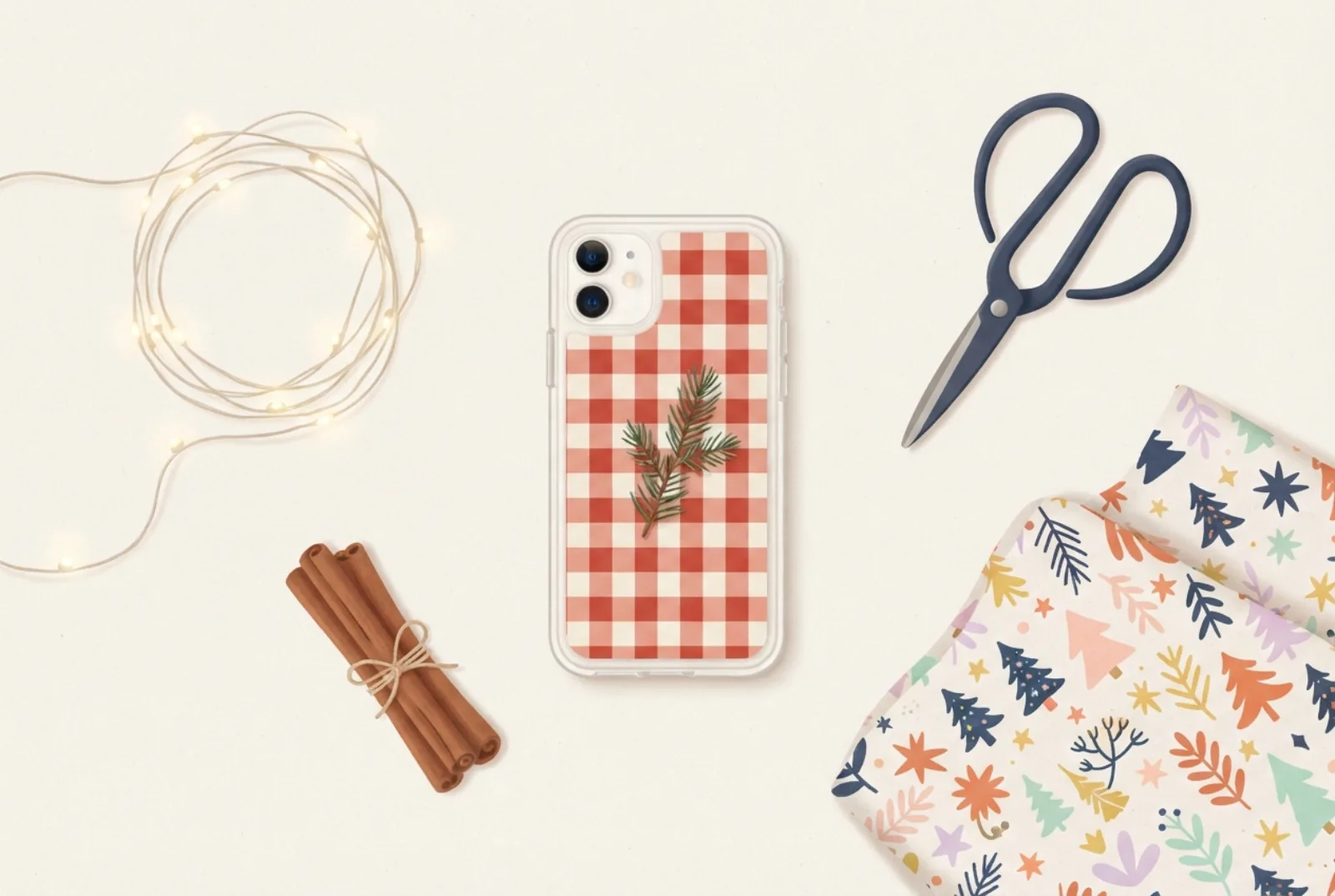
- Photos and handwriting are the most personal ideas, and need nothing but your phone and a printer.
- The advent countdown below is a layout you can make today: 24 boxes below the camera.
- Print on photo paper for reds and greens; plain paper looks flat for festive colours.
- Make gift inserts a week early, so you can fix the size if it is off.
Two free Christmas designs are in the insert maker: Christmas night and Christmas to color. Every idea below can also be made with a photo, the text tool, the Draw tool or stickers. Check the camera corner of your phone first, because it hides part of the top of any insert.
Pick an idea by effort
Times are rough estimates, not measured, and the table covers seven of the twelve ideas.
| Idea | Time | You need |
|---|---|---|
| Family photo with a message | 5 minutes | One photo |
| Black-and-white winter portrait | 5 minutes | One photo |
| Gift tag insert | 5 minutes | Text tool |
| Christmas card as an insert | 10 minutes | A card and a phone camera |
| Advent countdown | 15 minutes | Printer, a pen |
| Hand-drawn tree | 20 minutes | Pencils or gel pens |
| Pressed greenery | 2+ weeks (drying) | Flat dried sprigs |
12 Christmas ideas
- The family photo. One good photo in front of the tree, cropped tall, with faces in the lower two thirds. Make a photo insert.
- Photo with a message. “Merry Christmas” or the family name in the handwritten font, below the camera area.
- Black-and-white winter portrait. A snowy walk or fireside photo with the black-and-white filter; it looks calm and print-friendly.
- A Christmas card as an insert. Photograph a handmade card, or one whose artwork you have the right to reuse, flat in daylight, upload it, and crop to the phone shape.
- Advent countdown. A grid of 24 boxes you tick off each day (layout below). Swap it after Christmas.
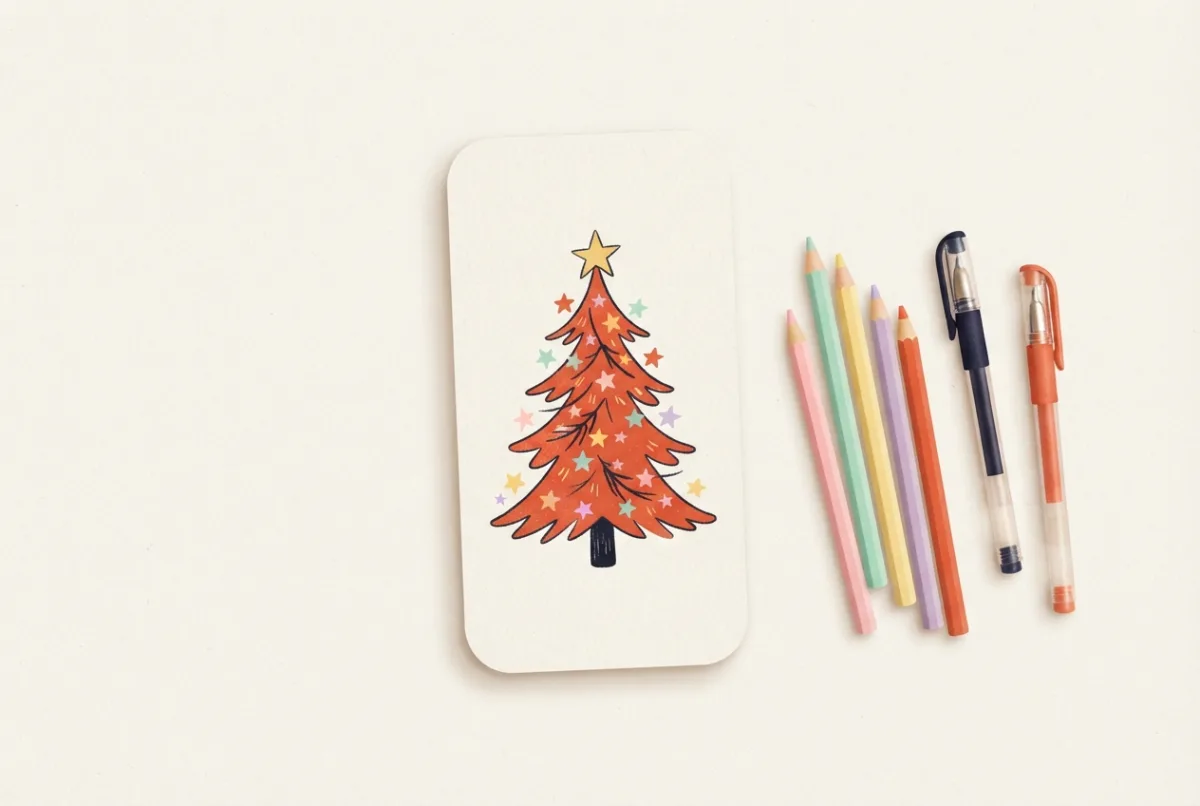
- Hand-drawn tree. A simple tree in pencil or gel pen on a light insert. See drawing ideas.
- Gingham and berries. A red-and-cream check with a few holly sprigs, in the cottagecore style.
- Pressed greenery. A flat sprig of dried fern or small leaf on a cream insert. See what to put in a clear case.
- A snowy landscape. A calm blue winter photo; the nature styles show the look.
- Gift tag insert. “To:” and “From:” in handwriting. Slide it into the gift-wrapped case.
- A child’s drawing of a tree or reindeer. Photograph it flat in daylight and print it at the right size.
- A verse from a traditional carol in small type under a picture. Many traditional carol texts are old enough to be public domain, but check the exact words and translation, or use your own.
Advent countdown insert
A countdown insert is a phone-shaped sheet with 24 boxes, one per day from 1 to 24 December. Each evening, take the insert out, tick that day’s box with a pen and slide it back, or print a new sheet each week with the boxes already ticked. The layout below keeps the boxes below the camera area of a typical phone.
Where cards and advent countdowns come from
Two of the ideas above borrow old traditions, and the history gives you a reason to choose one layout over another. Wikipedia’s article on Christmas cards says the first commercial Christmas card was commissioned by Sir Henry Cole and designed by John Callcott Horsley in London in 1843; two batches totalling 2,050 cards sold for a shilling each. It also says that many people have made their own cards since the 19th century, and that handmade cards carried high sentimental value. (Wikipedia: Christmas card.) A handmade card or a family photo turned into an insert follows that old custom.
Advent calendars are younger than many people think. Wikipedia says they were first used by German Lutherans in the 19th and 20th centuries, that early printed ones had Bible verses behind little cardboard doors, and that the 24-door calendar starting on 1 December was finally accepted after 1945. It also explains that because the first Sunday of Advent falls between 27 November and 3 December, some calendars start on 1 December and others on that Sunday. (Wikipedia: Advent calendar.) In 2026 the first Sunday of Advent is 29 November (we counted four Sundays back from Christmas), so a 1 December start is two days later.
Turn a card into an insert
- Lay the card flat on a table by a window, in even daylight, with no shadow across it.
- Take the photo straight from above, so the edges look straight, not tilted.
- Upload it to the photo insert maker and drag it so the part you like fills the frame.
- Keep the picture clear of the camera window, and print on photo paper.
Cards usually have a different shape from a phone. A landscape card will crop heavily; choose the part with the picture and leave the message for the back of the card.
Photo tips that make a better insert
- Crop tall. A phone is about twice as tall as wide. Photos taken in portrait orientation crop best.
- Faces low. The camera hides the top corner. Keep faces and the main subject in the lower two thirds.
- Light and sharp. A bright, in-focus photo prints better than a dark or blurry one. A modern phone photo is large enough; as a rule of thumb (our estimate), aim for about 1,700 pixels on the long side, which is 300 dpi for a 147 mm insert.
- Simple background. A tree full of lights can look busy at phone size. Try a closer crop.
Paper, printing and timing
- Use glossy photo paper for photos and the strong reds and greens of Christmas. Plain paper makes saturated colours look flat. See the paper guide.
- Print at 100%. If it comes out too small, read how to print at true size.
- Make two copies: one to keep, one to give. Choose the right model for each phone.
- Avoid glitter or foil paper: glitter can scratch the phone and metallic foil may interfere with wireless charging (our caution, not tested). See MagSafe and wireless charging.
| When | What to do |
|---|---|
| Early November | Choose the idea; find the recipient’s exact phone model. |
| Late November | Print a plain-paper test and try it in a clear case of the right size. |
| First week of December | Print on photo paper and wrap the gift. |
| 1 December | Start the advent countdown insert on your own phone. |
Christmas coloring pages for kids
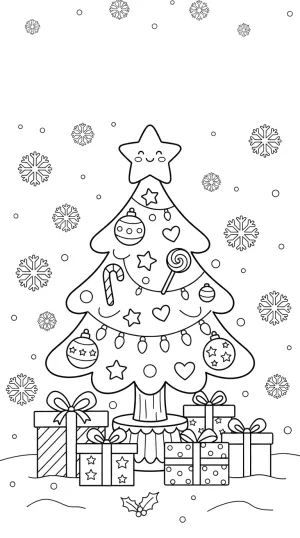
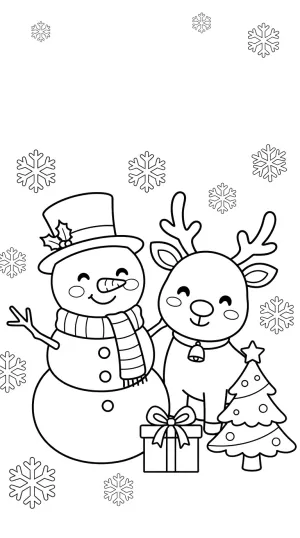
Two detailed Christmas coloring pages: a decorated tree and a snowman with a reindeer. Tap one to open it at your phone’s size. See all coloring pages.
Questions
Should the advent insert start on 1 December or the first Sunday?
Either. Many calendars start on 1 December and others on the first Sunday of Advent, which falls between 27 November and 3 December. The 24-box layout counts days from 1 December, and the four-candle layout counts Sundays.
When should I start?
Print a test a few days ahead so you can check the fit, and make gift inserts at least a week early in case the size needs adjusting; the timeline above gives you three weeks.
Can I use Christmas characters or brand logos?
Use your own photos and drawings. Characters and brand logos belong to their owners, and our maker does not include them.
Where do I find a Christmas template for my phone?
Choose your phone in the templates list, then pick Christmas night or Christmas to color in the maker. The size and camera cutout are the same all year; only the picture changes.
Can I give the insert on its own?
Yes, as a flat card with a note: “Slide this behind your clear case.” Check that the person has a clear case for that model first. See gift ideas for how to find the model.
What happens to the insert after Christmas?
Swap it for a new design, or keep the file and reprint it next year.
Sources
- Wikipedia: Christmas card (first commercial card, 1843; handmade cards).
- Wikipedia: Advent calendar (German Lutheran origin, 24-door calendar after 1945, start dates).