
iPad case insert template
Short answer: an iPad insert works like a phone insert, only bigger: print a true-size sheet, cut it and slide it behind a clear iPad case. The 11-inch iPad models are about 178 × 248 mm and fit on one A4 or US Letter sheet. The 13-inch iPad Air and iPad Pro are about 215 × 281 mm, which is wider than A4 and taller than Letter, so they need a larger sheet (A3 or bigger) or a copy-shop print.
Starting with a common model? Open the iPad (10th gen) template.
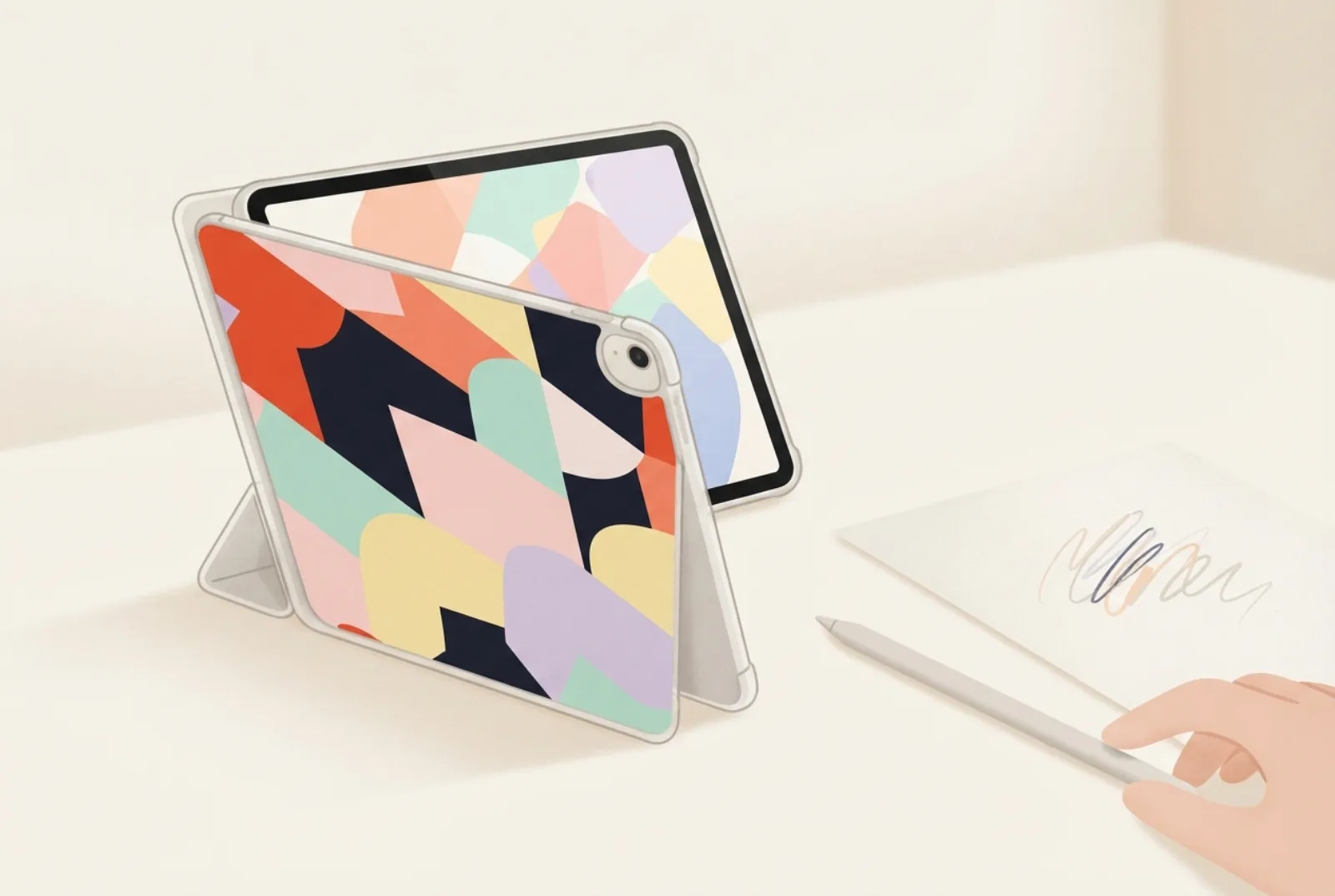
- Sizes below are Apple’s published dimensions: iPad (A16) 248.6 × 179.5, iPad Air 11-inch 247.6 × 178.5, iPad Pro 11-inch 249.7 × 177.5, iPad mini 195.4 × 134.8 mm (height × width).
- 11-inch iPads and the mini fit on A4 or Letter. 13-inch models need a larger sheet (A3 or bigger) or a copy shop.
- Check that your case has a clear back. An insert only shows through a clear back.
- Use a photo of at least about 2,550 × 3,300 pixels for a 13-inch print at 300 dpi.
iPad insert sizes
These are the sizes of the back of the device from Apple’s tech specs, converted so width comes first. A clear iPad case window is usually the same size or 1 to 2 mm smaller, so use the Fit setting if the insert bends. If your case is unusual, measure it; the same method works for a tablet.
| Model | Width × height (mm) | Fits on |
|---|---|---|
| iPad (10th gen) and iPad (A16) | 179.5 × 248.6 | A4 and Letter |
| iPad Air 11-inch | 178.5 × 247.6 | A4 and Letter |
| iPad Pro 11-inch (M4) | 177.5 × 249.7 | A4 and Letter |
| iPad mini (A17 Pro) | 134.8 × 195.4 | A4 and Letter |
| iPad Air 13-inch | 214.9 × 280.6 | A3 only |
| iPad Pro 13-inch (M4) | 215.5 × 281.6 | A3 only |
The full list, including other iPads and Galaxy Tab models, is in the size table and on the iPad templates page.
Will it fit on my paper?
A4 is 210 × 297 mm, A3 is 297 × 420 mm and US Letter is 216 × 279 mm. (Wikipedia: paper size.) Home printers also need a margin of a few millimetres on each side, so the real printable area is a little smaller. An 11-inch iPad (about 178 × 248 mm) fits both A4 and Letter with room to spare. The 13-inch models, at about 215 mm wide and 281 mm tall, are wider than A4 and taller than Letter.
For a 13-inch insert, take the PDF to a copy shop and ask for A3 at 100% with no scaling; many shops print A3. We do not recommend printing on two sheets and joining them, because the join shows through a clear case.
How to make an iPad insert
- Open the insert maker and choose your iPad from the model list.
- Pick a design, a photo or a drawing. A tablet shows more of a design than a phone, so a bold pattern or a detailed photo works well.
- Download the PDF. For the 11-inch models and the mini, print at 100% on A4 or Letter.
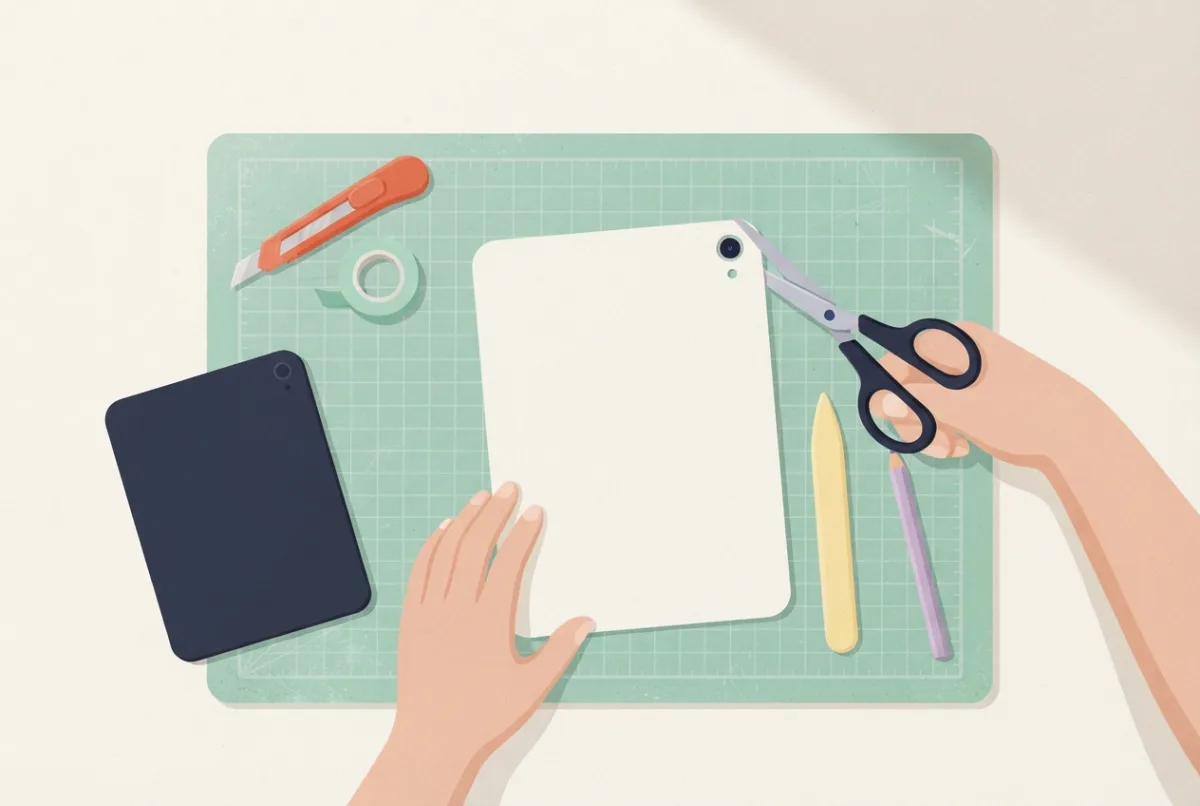
- Cut the outline and the camera opening. Check where the camera sits on your iPad and mark it before you cut; a small round punch or a craft knife both work. Camera-hole guide.
- Slide the insert behind the iPad inside the case, picture facing the clear back.
All 13 tablets in our maker: which paper do they need?
This table lists every tablet in the maker, with the sizes from the manufacturers’ published dimensions. “Fits” allows 5 mm of unprintable margin on each side of A4 (210 × 297 mm) and US Letter (216 × 279 mm); it is our arithmetic, so test on plain paper first.
| Tablet | Width × height (mm) | A4 | US Letter |
|---|---|---|---|
| iPad Pro 13" (M4) | 215.5 × 281.6 | No | No |
| iPad Air 13" | 214.9 × 280.6 | No | No |
| iPad Pro 11" (M4) | 177.5 × 249.7 | Yes | Yes |
| iPad Air 11" | 178.5 × 247.6 | Yes | Yes |
| iPad (A16), iPad (10th gen) | 179.5 × 248.6 | Yes | Yes |
| iPad (9th gen) | 174.1 × 250.6 | Yes | Yes |
| iPad mini (A17 Pro) | 134.8 × 195.4 | Yes | Yes |
| Galaxy Tab S10+ | 185.4 × 285.4 | Yes (tight) | No |
| Galaxy Tab S9, S9 FE | 165.8 × 254.3 | Yes | Yes |
| Galaxy Tab A9+ | 168.7 × 257.1 | Yes | Yes |
| Galaxy Tab A9 | 124.7 × 211 | Yes | Yes |
So 11 of the 13 tablets in the maker fit on A4 and 10 fit on US Letter, and the two 13-inch iPads need a larger sheet at a copy shop. The Galaxy Tab S10+ fits A4 only just; leave extra care when you cut.
What kind of case works?
| Case type | Works for inserts? | Why |
|---|---|---|
| Clear hard or soft back | Yes | You see the insert through the back |
| Clear back with a folding cover | Usually | Fold the cover out of the way; check that the insert lies flat |
| Frosted or tinted back | Not recommended | The picture looks washed out |
| Opaque case | No | The insert is hidden |
| Case with a pen or pencil holder on the back | Check first | A raised holder can stop the insert lying flat |
The “works” column is our reasoning from how clear cases are built, not a test of specific cases.
Taking the PDF to a print shop
For a 13-inch iPad you need A3 or a shop that can print a custom size. A short checklist helps:
- Bring the PDF on a USB stick or send it, and say the size you need (for example “A3, 100%, no scaling”).
- Ask them not to “fit to page” or “shrink to fit”.
- Ask which paper they use, and prefer a smooth, not-too-thick paper (paper guide).
- Measure the printed width on the spot, against the size in the maker.
- Cut at home, in daylight, with a long ruler and a sharp blade, working on a cutting mat.
Photo resolution for a large print
A bigger print needs more pixels. Multiply the size in inches by the dots per inch (dpi). As a rule of thumb (ours, not a standard), 300 dpi looks sharp up close and 150 to 200 dpi is usually fine for a pattern or a photo seen at arm’s length.
| Insert | Pixels for 300 dpi | Pixels for 200 dpi |
|---|---|---|
| iPad Air 11-inch (178.5 × 247.6 mm) | about 2,100 × 2,900 | about 1,400 × 1,950 |
| iPad Pro 13-inch (215.5 × 281.6 mm) | about 2,550 × 3,330 | about 1,700 × 2,220 |
| Typical phone photo (12 megapixel) | about 4,000 × 3,000. Cropped to a tall 13-inch shape this leaves about 2,300 × 3,000, roughly 270 dpi, so it is good enough | |
Screenshots and images saved from social media are often much smaller and will look soft. Start with the original photo.
Is your iPad case clear?
Clear iPad cases exist, but they are less common than clear phone cases, and many tablet cases are opaque or have a frosted back. An insert only shows through a clear back. If your case folds or has a camera ring, measure the opening in the back panel. The Apple Pencil attaches to the side of some iPads; the insert lies behind the iPad and does not cover the side, but check that charging or attaching still works with your case.
Things to check on a tablet
- Camera and sensors: cut the hole large enough for the lens and do not block any sensor your case exposes.
- Paper weight: a large sheet of thin paper can ripple. Use photo paper or about 100 gsm paper. See the paper guide.
- Test fit first: print on plain paper and try it in the case before you use photo paper or an A3 print.
- Kids: a coloring page printed at tablet size is a good project.
Questions
Is there a Samsung Galaxy Tab template?
Tablet sizes are in the size table and the maker; check the camera position against your own tablet.
Can I print an iPad insert on two sheets?
We do not recommend it. A join shows through the clear case. Print on A3 at a copy shop instead.
My iPad is not listed. What do I do?
Measure the opening of your case and enter a custom size in the maker. See how to measure.
Do iPad inserts work with a keyboard case?
Only if the back of the case is clear and the insert fits behind the iPad. Many keyboard cases are not clear; check yours first.
How do I cut a big insert straight?
Cut with a long metal ruler and a sharp blade on a cutting mat, or use a rotary trimmer if you have one. Work in long, steady strokes and cut slightly outside the line first. Adults only for blades.
Is the iPad (10th gen) the same size as the iPad (A16)?
Apple lists the iPad (A16) at 248.6 × 179.5 mm, which matches the size we use for the 10th generation. Check Apple’s page for your exact model.
Sources
- Apple: iPad Air tech specs (11-inch 247.6 × 178.5 mm; 13-inch 280.6 × 214.9 mm).
- Apple: iPad Pro tech specs (11-inch 249.7 × 177.5 mm; 13-inch 281.6 × 215.5 mm).
- Apple: iPad mini tech specs (195.4 × 134.8 mm).
- Apple: iPad (A16) tech specs (248.6 × 179.5 mm).
- Wikipedia: Paper size (A3, A4 and US Letter dimensions).
Find the template for your phone
Every guide works best with a true-size template for your exact model: iPhone templates, Samsung Galaxy templates, Google Pixel templates, iPad templates, or all phone models. Then open the insert maker to print it.
More guides
Printable vs bought phone case inserts
Free printable or bought insert: price, fit and quality.
Phone case template: paper insert, sublimation or mockup?
Three kinds of phone case template and which one you need.
iPhone size comparison: 34 models, 7 drawn to scale
iPhone sizes from the X to the 17 Pro Max, with seven drawn to scale.