
What is bleed in printing? And do phone case inserts need it?
Short answer: bleed is the extra artwork that runs past the trim line, so a small cutting error never leaves a white edge. A print shop asks for it. In our judgment, a paper insert you cut at home usually does not need it, as long as the artwork reaches the cut line and you cut just inside it.
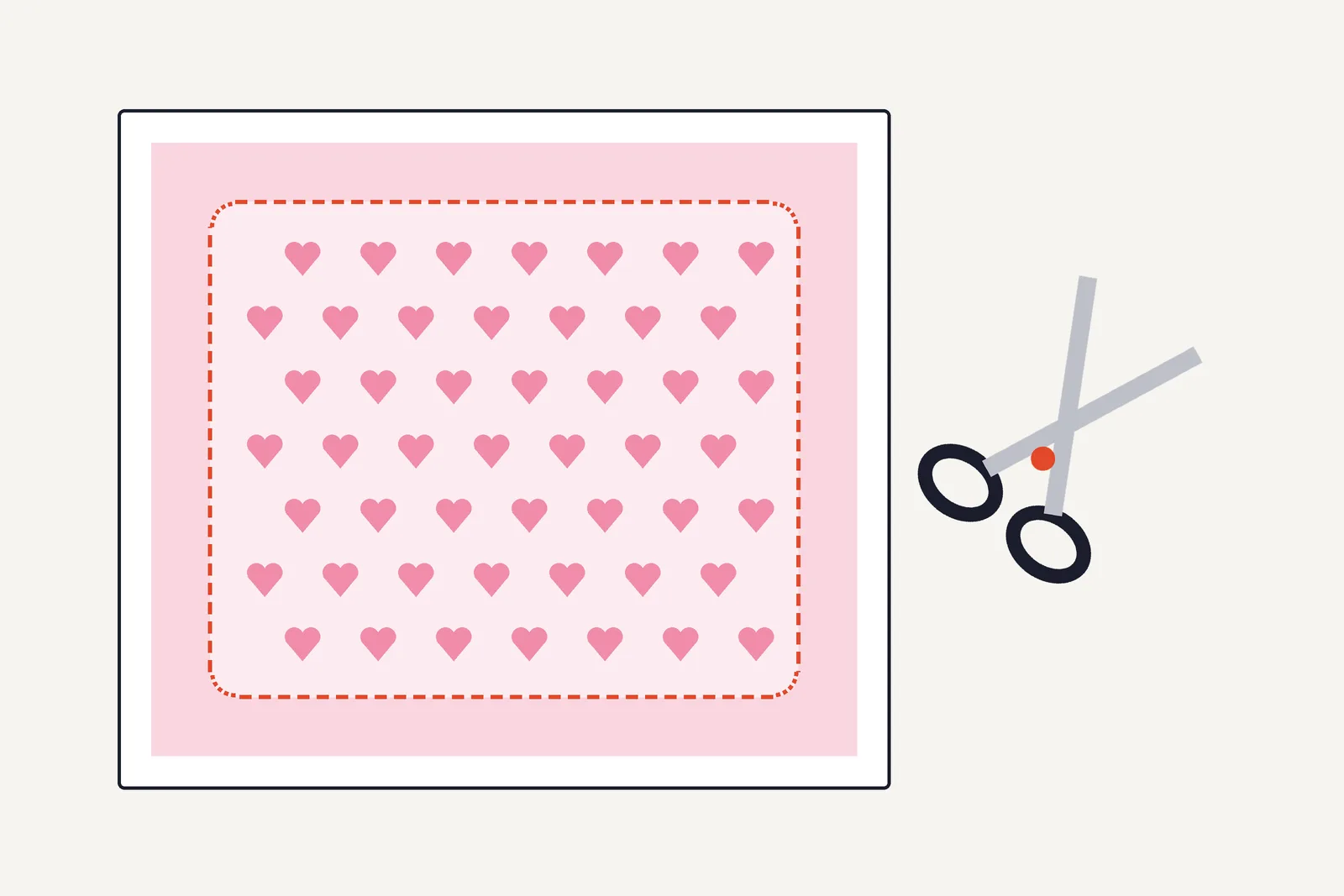
- Bleed is background artwork that extends beyond the trim line. It is cut off on purpose.
- Text and faces go inside the safe zone, away from the edge.
- Our insert files have no bleed. In the PDF the orange cut line sits on the edge of the artwork, and the PNG is exactly insert-sized.
- Canva adds 0.125 inches (3.175 mm) of bleed on all sides for products that get trimmed. If you send a file to a print shop, ask for their bleed size.
What bleed means
Printed pieces are cut after printing, and no cut is perfectly exact. If the color stops exactly at the cut line, a cut that lands a hair inside leaves a white sliver. Bleed fixes that: the background continues a little past the line, and the cutter removes the extra.
Canva describes the zones this way, from the center to the edge. A margin is a layout guide. The safe zone sits inside the margins, and text and logos belong there. The trim line is where the design gets cut after printing. Bleed is just past the trim line: extend backgrounds into it, not text, because it always gets cut off. (Canva Help Center)
The zones on a page
| Zone | What goes there | What happens to it |
|---|---|---|
| Bleed | Background color or image only | Cut off after printing |
| Trim line | Nothing: it is the cut | The edge of the finished piece |
| Safe zone | Text, faces, logos | Stays on the finished piece |
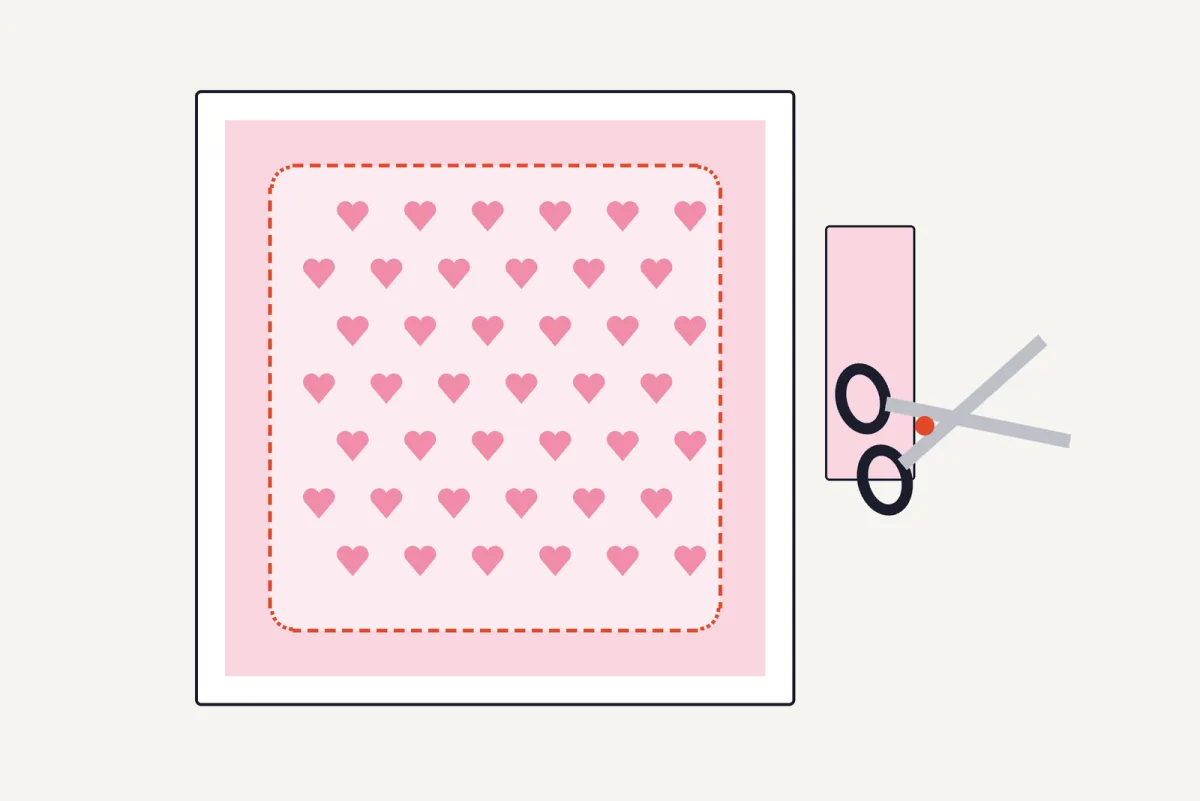
Do phone case inserts need bleed?
Usually not when you cut by hand along the cut line, in our judgment. We have not tested this with a print shop or a cutting machine. Bleed protects against the cutting error of a machine or a shop that trims many sheets at once. For an insert you follow one line with scissors or a knife, and you can see the edge as you cut.
Make sure the design reaches the cut line. In our PDFs the artwork covers the whole insert and the dashed cut line sits on its edge, so cut just inside the line: cutting outside it leaves white paper, and cutting on it can leave a trace of the orange line. In Canva, fill the whole page with the design (see phone case template in Canva). The blank templates in the free pack have no artwork.
- Keep important parts inside the safe zone. The rounded corners and the camera cutout remove artwork, so keep faces and text clear of both.
- Check your printer's edge. Many home printers leave a thin blank margin on the sheet (the printable area), so artwork at the very edge of the page can be clipped. A test print shows it: print test.
- Sending a file out? Use the bleed size the shop gives you. Canva fixes its own bleed and crop marks to its print specifications and does not let you change them.
Frequently asked questions
What is bleed in printing?
It is artwork that extends past the trim line, so that when the sheet is cut no white edge shows. It is removed in cutting.
Do I need bleed for a phone case insert?
Usually not for a hand-cut insert, in our judgment. Make the design reach the cut line and cut just inside it.
What is the difference between bleed and the safe zone?
Bleed lies outside the trim line and is cut away. The safe zone lies inside it and is where text and faces stay.
How much bleed should I add?
Canva adds 0.125 inches (3.175 mm) on all sides for products that get trimmed. A print shop may ask for a different value, so ask for theirs.
Will my home printer print to the edge?
Many do not, and some can print borderless. Run a test print and look at the edge of the sheet.
Sources
- Canva Help Center: Use margins, bleed, rulers, and crop marks, opened 15 November 2026.
Related
- Phone case insert glossary, dieline, DPI and mockup. Also crop marks.
- Free template pack and how to cut the camera hole.