
Phone case template in Canva: make a true-size insert
Short answer: to make a phone case template in Canva, choose Custom size, switch the unit to mm and type your phone’s insert size (71.6 × 147.6 mm for an iPhone 15). Draw a box where the camera is, design the rest, export a PDF and print at 100%.
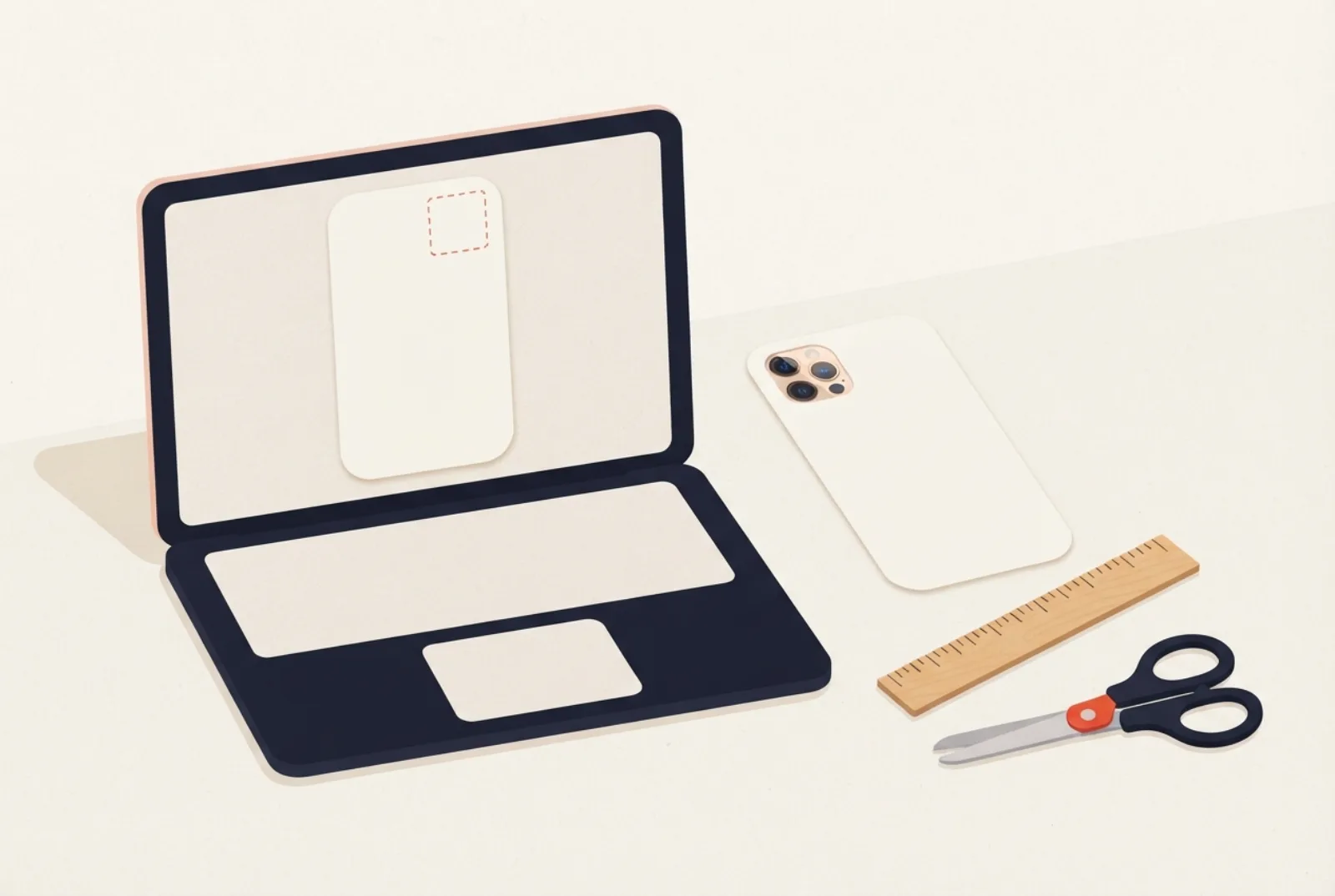
- Canva accepts a custom size in px, in, mm or cm, so you can enter the insert size in millimetres directly.
- Get the size right first: use the template page for your phone or the size checker.
- Print at 100% (Actual size) and check a ruler before you cut.
- Canva is a design tool, so mark the camera hole on the page and cut it out by hand after printing.
What you need
- A Canva account. This guide uses only the custom-size and shape tools.
- Your insert size in millimetres. Phone sizes differ by model and clear cases can differ slightly from the phone, so measure the inside of your case if you can (how to measure a clear case).
- A printer, paper and scissors. New to inserts? Start with how to make a phone case insert. See the best paper for inserts.
How to make a phone case template in Canva, step by step
- Find your size. Open the page for your phone under Templates. For an iPhone 15 it lists 71.6 × 147.6 mm with a square camera module of about 32 mm, roughly 5 mm in from the corner (approximate, from our device data, not a manufacturer figure).
- Start a custom design. On the Canva home page click Custom size. Under Units choose mm, type the width and height, then click Create new design. Canva’s help page says custom sizes must be at least 40 px and not more than 8000 px, and a phone insert is well inside that.
- Draw the camera guide. Add a square or rounded rectangle, set it to the camera size, and put it in the corner where the camera sits. Give it a dashed outline and no fill, so you can see where to cut. Keep the important part of your design away from it.
- Add your design. Upload a photo or build a background. Fill the whole page with it: the page edge is your cut line (see bleed).
- Export. Download the page as a PDF. A PNG is only pixels and has no physical size, so the size you get depends on the print dialog. A PDF is the safer choice.
- Print at 100% and measure. Choose Actual size, not Fit to page. Measure the printed sheet against a ruler. Our print test has a 5 cm bar for exactly this. If it is not exact, fix the print setting and print again.
- Cut and fit. Cut along the page edge, cut out the camera hole (how to cut the camera hole), and slide it behind your clear case.
What the page should look like
Is there a free Canva phone case template?
We did not find an official Canva template with phone insert sizes (we did not search Canva’s whole library), so you make one yourself (or place a transparent PNG from the free phone case template pack over your design) with Custom size in mm, using the size on your phone’s template page. At 300 dpi a phone insert stays well inside Canva’s size limits.
| Phone | Insert (mm) | At 300 dpi (px, for photo quality) |
|---|---|---|
| iPhone 15 | 71.6 × 147.6 | 846 × 1743 |
| Galaxy S25 | 70.5 × 146.9 | 833 × 1735 |

Canva or the insert maker?
| Canva | Insert maker | |
|---|---|---|
| Size | You type it in mm | Picked from your phone model |
| Camera hole | You draw a guide yourself | Marked on the sheet |
| Cut line and 5 cm ruler | You add them | Included on the PDF |
| Design tools | Fonts, stickers, many elements | Patterns, photos, text, drawing |
| Best for | Designs you already build in Canva | A fast, correctly sized print |
A good mix: design in Canva, export a picture, then place it in the insert maker so the size, camera window and cut line are right. You can also preview the design on a phone case mockup first.
Common problems
- The print is too small or too big. The print dialog scaled it. Choose Actual size or 100% and print again. More: print at 100%.
- It does not fit the case. Clear cases can differ slightly from the phone. Measure the inside of yours and use that size. See when an insert does not fit.
- The photo looks soft. Use a larger original. At 300 dpi a 71.6 × 147.6 mm insert needs about 846 × 1743 px. Check a photo with the resolution checker.
Frequently asked questions
Can I set a custom size in millimetres in Canva?
Yes. On the home page click Custom size, open the Units menu and choose mm (px, in and cm are the other options), then enter the width and height.
What size is a phone case insert?
It follows the back of your phone: about 71.6 × 147.6 mm for an iPhone 15, for example. Each model page under Templates lists the size, and a clear case may need slightly less.
Does Canva cut the camera hole?
Not that we saw. Canva is a design tool that exports pictures and PDFs. Mark the camera area with a dashed shape and cut it out by hand after printing.
Are the Canva phone case templates sold on Etsy the same thing?
Listings vary. Some may be mockups, which are pictures for showing a design, rather than true-size print files. We did not review any, so read the description before you buy. A true-size insert needs exact millimeter sizes, which you can also find here for free.
How do I print it so the size stays exact?
Print at 100% (Actual size), then measure a printed ruler. Our print test gives you a 5 cm bar to check.
Sources
- Canva Help Center: Design from scratch (custom size, units and the 40 to 8000 px limits), opened 11 November 2026.
- Apple Support: iPhone 15 tech specs (71.6 × 147.6 mm) and Samsung: Galaxy S25 specs (70.5 × 146.9 mm), opened 11 November 2026, for the two sizes in the table. Other sizes are on our own template pages.
Find the template for your phone
Every guide works best with a true-size template for your exact model: iPhone templates, Samsung Galaxy templates, Google Pixel templates, iPad templates, or all phone models. Then open the insert maker to print it.
More guides
Printable vs bought phone case inserts
Free printable or bought insert: price, fit and quality.
Phone case template: paper insert, sublimation or mockup?
Three kinds of phone case template and which one you need.
iPhone size comparison: 34 models, 7 drawn to scale
iPhone sizes from the X to the 17 Pro Max, with seven drawn to scale.