
What is DPI? Print resolution for phone case inserts
Short answer: DPI means dots per inch, the number of ink dots a printer places across one inch of paper. For a phone case insert you mostly need PPI, the pixels per inch of your picture, and at 300 PPI an iPhone 15 insert needs a photo of about 846 × 1743 pixels.
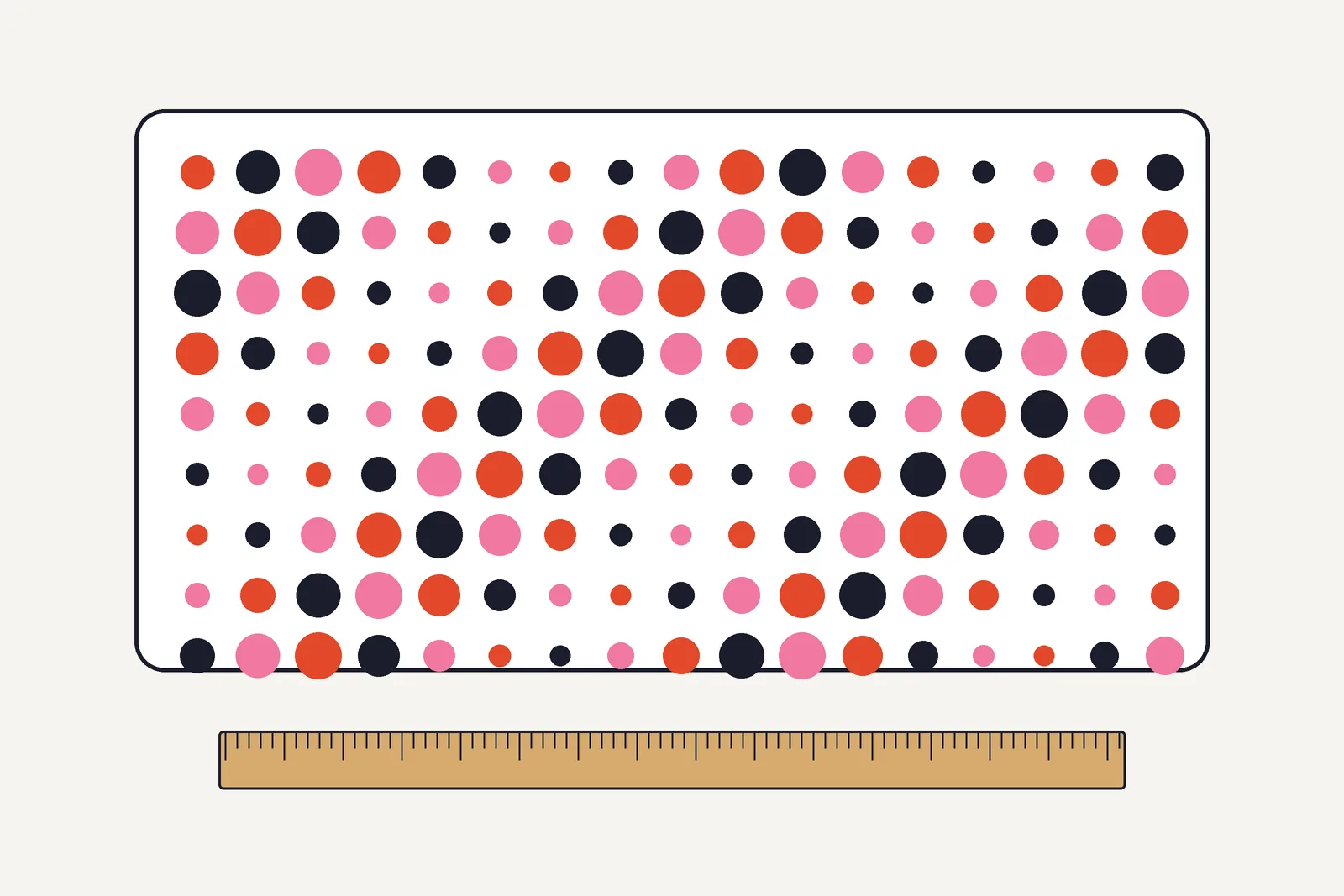
- DPI counts the printer's dots of ink per inch, and PPI counts the pixels per inch of a picture.
- Pixels needed = size in millimeters ÷ 25.4 × the dpi you want.
- A phone back is usually seen at arm's length, so aim for 300 dpi. Our photo checker calls 200 to 299 good, 150 to 199 soft and under 150 too small (our rule of thumb, not a standard).
- Enlarging a small photo does not add detail. Start from the biggest original you have.
DPI vs PPI: the difference
Vistaprint defines DPI as how many ink dots are printed across an inch of paper: the more dots, the more detail and the smoother the gradients. It adds that DPI is not the same as PPI, because DPI refers to printer ink dots and PPI to screen pixels per inch. (Vistaprint)
Many people say DPI when they mean PPI. For an insert the useful number is PPI: how many pixels of your photo land in each inch of the printed sheet. See PPI, pixel and resolution in the glossary. The printer turns those pixels into dots.
| DPI | PPI | |
|---|---|---|
| Stands for | Dots per inch | Pixels per inch |
| Describes | How densely the printer places ink | How densely a picture's pixels are packed when shown or printed |
| You set it in | Printer settings | The picture's size and the size you print it |
| Why it matters for inserts | A higher print quality setting gives smoother color | Too few pixels make a photo look blocky or soft |
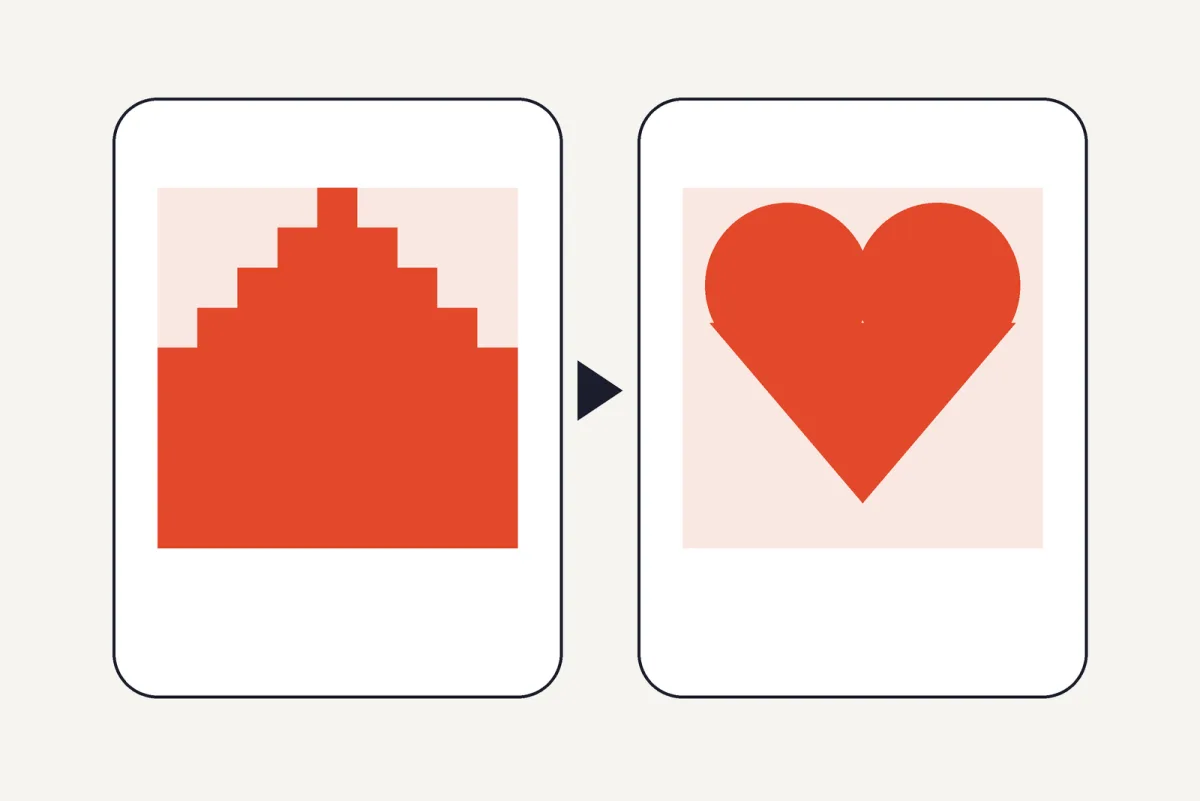
How many pixels does an insert need?
Divide the insert's size in millimeters by 25.4 to get inches, then multiply by the dpi you want. One millimeter at 300 dpi is about 11.8 pixels. For an iPhone 15 insert of 71.6 × 147.6 mm that gives 71.6 ÷ 25.4 × 300 = 846 pixels wide and 1743 pixels tall.
| Insert | Size (mm) | 150 dpi (px) | 200 dpi (px) | 300 dpi (px) |
|---|---|---|---|---|
| iPhone 15 | 71.6 × 147.6 | 423 × 872 | 564 × 1162 | 846 × 1743 |
| iPhone 16 Pro Max | 77.6 × 163 | 458 × 963 | 611 × 1283 | 917 × 1925 |
| Galaxy S25 | 70.5 × 146.9 | 416 × 868 | 555 × 1157 | 833 × 1735 |
| Pixel 9 | 72 × 152.8 | 425 × 902 | 567 × 1203 | 850 × 1805 |
The sizes come from our template pages and the pixel counts are our own arithmetic. A photo straight from a recent phone camera is usually thousands of pixels wide, well above these numbers. Small files, such as a thumbnail or a picture saved from a chat, are the ones to check.
Which dpi should you aim for?
Vistaprint says the best dpi depends on viewing distance and size. Items held at arm's length, such as business cards and brochures, typically need 300 dpi or higher, while posters and banners seen from further away can use less. (Vistaprint) A phone back is usually seen at arm's length, the same range Vistaprint gives for business cards, so 300 dpi is the safe target. Our PNG and PDF files use 300 pixels per inch for that reason.
Our photo resolution checker uses four bands, and they are our own rule of thumb, not a standard: 300 dpi and up is sharp, 200 to 299 is good, 150 to 199 prints soft, and below 150 is too small. Check yours with the photo resolution checker.
Common mistakes
- Enlarging a small photo. Vistaprint lists enlarging low-resolution images for print among the common DPI mistakes. Enlarging stretches the same pixels over more paper.
- Changing the dpi number and nothing else. Setting a picture to 300 dpi in an app only changes its label and leaves the pixel count as it was. What counts is the pixel count against the printed size.
- Printing at the wrong scale. A sharp file still prints the wrong size if the printer shrinks it. Choose actual size: print at 100%.
Frequently asked questions
What does DPI stand for?
Dots per inch. It counts the ink dots a printer lays down across one inch of paper.
Is DPI the same as PPI?
No. DPI counts printer dots and PPI counts the pixels of a picture. People often use them as if they were the same.
What DPI do I need for a phone case insert?
Aim for 300 dpi at the insert size. That is about 846 × 1743 pixels for an iPhone 15 insert.
How do I check the DPI of my photo?
Look at its pixel size and ignore the dpi label. Divide the pixels by the insert size in inches. The photo resolution checker does this for you.
Does a higher printer DPI setting always look better?
It gives finer dots, but it cannot add detail that the picture does not have. Use a good photo first, then a high quality print setting.
Sources
- Vistaprint: What is DPI? And why it matters in print and design, published 7 November 2025, opened 15 November 2026.