
Photocard phone case insert ideas
Short answer: a standard photocard is about 55 × 85 mm, so one card fits behind a clear case on typical phones, but two cards do not fit at full size. Put the card in the lower part of the case, below the camera, on a printed backdrop cut to your phone’s size. Use a thin sleeve and keep the card flat.
See how much room a card gets on the iPhone 16 Pro template.
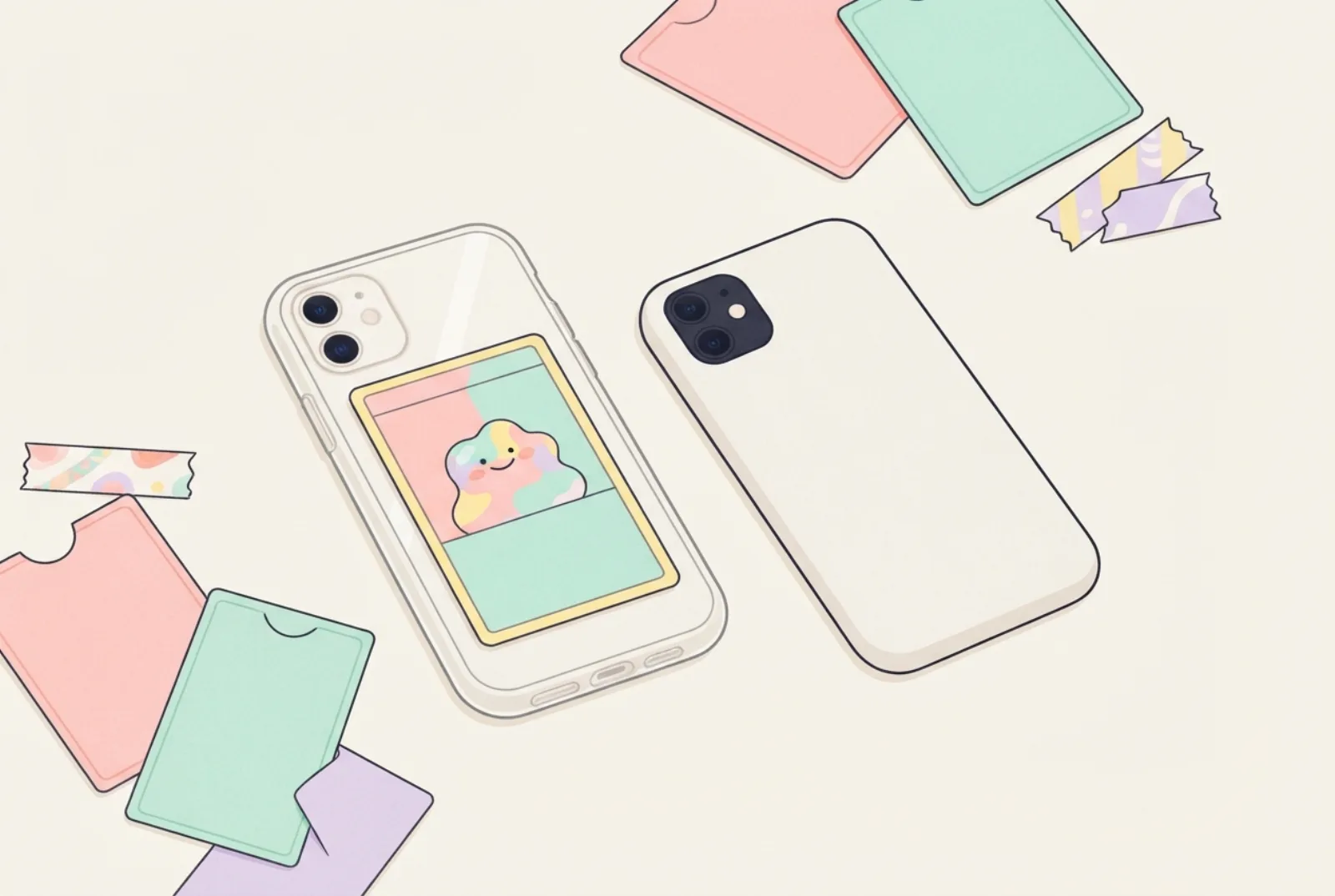
- Standard card size is about 55 × 85 mm; always measure your own, because makers vary.
- One full-size card fits below the camera on the phones we checked. Two stacked cards need about 170 mm, more than any phone’s height here.
- Stack from the clear back: card, then backdrop, then phone.
- Heavy card adds thickness; if you use MagSafe, test the hold.
Will a photocard fit?
A photocard guide lists the standard album card as 55 × 85 mm, a mini ID card as 30 × 40 mm and a large postcard-style card as 105 × 148 mm, and notes that sizes vary and you should check before you buy sleeves. (Kittl.) Our phone insert sizes are about 64 to 79 mm wide and 131 to 168 mm tall, so a 55 mm wide card fits across any of them. The height is the limit: the camera sits at the top, so the card has to go below it.
The table uses our template data. “Space below the camera” is the insert height minus the camera area (approximate, measured from the top edge), so an 85 mm card needs at least that much. “Spare” is what is left after the card.
| Phone | Insert size (mm) | Space below camera (approx. mm) | Spare height (mm) | Fits one 55 × 85 card? |
|---|---|---|---|---|
| iPhone 16 | 71.6 × 147.6 | about 104 | about 19 | Yes |
| iPhone 16 Pro Max | 77.6 × 163 | about 120 | about 35 | Yes |
| iPhone 15 Pro | 70.6 × 146.6 | about 106 | about 21 | Yes |
| Galaxy S25 | 70.5 × 146.9 | about 99 | about 14 | Yes |
| Pixel 9 | 72 × 152.8 | about 124 | about 39 | Yes |
| iPhone SE (2022) | 67.3 × 138.4 | about 121 | about 36 | Yes |
The same guide notes that sizes vary and that a 2.5 × 3.5 inch (63.5 × 88.9 mm) trading-card size also exists, which is about 4 mm taller and 8 to 9 mm wider than a 55 × 85 mm card. We have not measured how much real cards differ, so measure the cards you own.
How much room is there below the camera?
We checked the card against every phone in our maker. For each one we took the lowest edge of the camera area in our template data and subtracted it from the height of the insert. On all 98 phones the space left below the camera is at least 91.8 mm (the tightest is the Galaxy S24 Ultra), which is more than the 85 mm height of a standard card. That leaves about 6.8 mm to spare in the worst case, so one standard card fits below the camera on every phone in the tool. The camera positions in our data are approximate, so measure your own phone to be sure.
| Phone | Space below camera (mm) | Spare with an 85 mm card (mm) |
|---|---|---|
| Galaxy S24 Ultra (tightest of 98) | 91.8 | 6.8 |
| Galaxy S25 | 98.9 | 13.9 |
| iPhone 16 | 103.6 | 18.6 |
| iPhone 16 Pro | 108.6 | 23.6 |
| Galaxy A15 | 112.1 | 27.1 |
| Pixel 9 | 123.8 | 38.8 |
Space below the camera = insert height minus the bottom of the camera area, from our template data. A card sleeve adds a little height, so allow a few millimetres more.
Cards of other sizes
Not every card is 55 × 85 mm. Using the sizes from the Kittl guide and an iPhone 16 insert (71.6 mm wide, 103.6 mm free below the camera), with 3 mm margins and 4 mm gaps, this is how many fit. It is our arithmetic, so check it against your own cards.
| Card | Size (mm) | How many fit below the camera |
|---|---|---|
| Standard album card | 55 × 85 | 1 |
| Mini ID card | 30 × 40 | 4 (two across, two down) |
| Large postcard-style card | 105 × 148 | None: it is wider and taller than the insert |
Pairing a backdrop with a card
These are our suggestions, not rules. Look at the card’s dominant colour and choose the backdrop to either echo it or contrast with it.
| If the card is mostly… | Try a backdrop that is… | Why |
|---|---|---|
| Pink or warm | Pale cream or soft grey | Lets the warm tones stand out |
| Blue or cool | Pale peach or lilac | Gives gentle contrast |
| Black and white | One bold colour | Adds colour without competing |
| Very busy | A plain, soft colour | Keeps attention on the card |
5 layouts that work
- One card, centred low. Card in the lower two thirds, plain or pastel backdrop above it. The simplest and cleanest.
- Card with a frame. A backdrop printed with a thin border or a soft gradient in the card’s main colour.
- Card plus handwritten name. Add a name or date above the card with the handwritten font in the maker.
- Mini cards. Mini ID-size cards (about 30 × 40 mm) fit two side by side, or one with stickers.
- Card over a pattern. A Y2K, coquette or minimal backdrop that sets off the card’s colours.
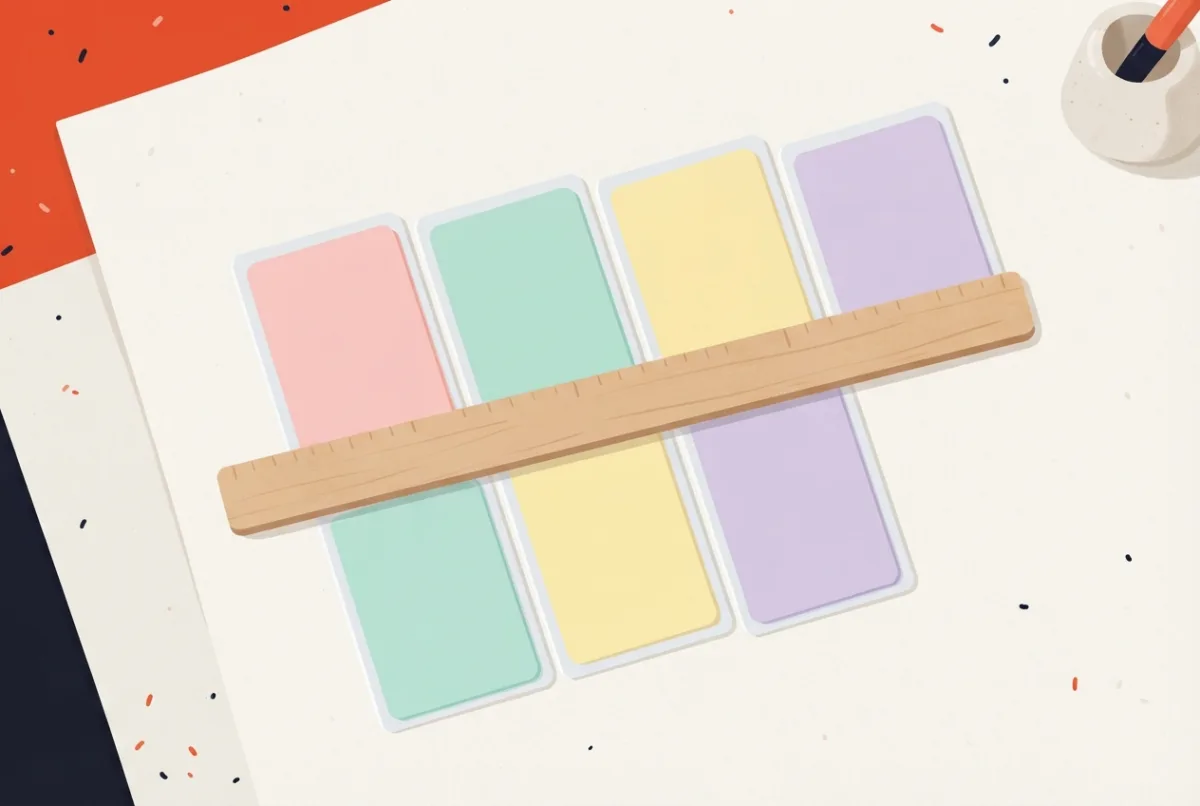
Make the backdrop
- Pick your phone in the insert maker and choose a design or a pattern that suits the card.
- Print at 100%, on matte paper if you can (a glossy backdrop may let the card slide; check yours). Print guide.
- Cut the outline and the camera hole.
- Stack the layers inside the case, working from the clear back toward the phone: the card first, then the backdrop, then the phone. The card shows through the clear case with the backdrop behind it.
Keep the card safe and flat
- Use a thin sleeve if you carry the phone in a bag or pocket. A thick toploader may stop the case closing; check before you rely on it.
- Do not use tape or glue on the card. Let the case hold the layers together.
- Check the case still closes and the phone sits flat before you rely on it. See what to do if it does not fit.
- Heavy card stock adds thickness (a 300 gsm board is about 0.38 mm, per one paper supplier). If you use a MagSafe case or wireless charging, test the hold and charging. See MagSafe inserts.
- Take the card out in strong sun or heat: colours and sleeves may fade or warp over time.
To make one, use the free photocard insert maker: show 1 to 4 photocards, pick a backdrop and print a true-size insert.
Questions
Can I put more than one card?
Only if the cards are small. Two standard-size cards need about 170 mm of height, which is more than the phones we checked have. Mini cards can go two across.
Will the camera hide the card?
Only if you place the card too high. Keep it below the camera area, and check the preview in the maker, which shows the camera window.
Does the card fit on every phone?
A standard 55 × 85 mm card fits below the camera on all 98 phones in our maker, with at least 6.8 mm to spare in our data. Camera positions are approximate, so check yours.
Can I print the card myself?
Yes, if the picture is yours. Print it at the right size on photo paper and cut it with a ruler. Do not copy cards you do not own; they belong to the people who made them.
Does the backdrop have to be printed?
No. Plain coloured paper cut to the phone’s size works. A printed one lets you add a name or a pattern.
What if my case has a camera bar?
A camera bar spans the full width, so a card cannot sit beside it. Measure the space below the bar before you choose a layout; it can leave more height than a camera block (the Pixel 9 in the table does). See how to cut the camera hole.
Sources
- Kittl: DIY photocards (standard, mini and postcard sizes).
- Handy Tags: Paper weights explained (thickness of 300 gsm board).
- PhoneCaseInserts template data: insert sizes and approximate camera positions (size table).
Find the template for your phone
Every guide works best with a true-size template for your exact model: iPhone templates, Samsung Galaxy templates, Google Pixel templates, iPad templates, or all phone models. Then open the insert maker to print it.