
Flower phone case inserts: free printable floral designs
Short answer: here are six free floral designs for a clear phone case: retro flower power, pressed pansies and ferns, pastel tulips, moody peonies, cherry blossom and a line-art botanical. Tap one to open it in the free insert maker at your phone’s exact size and print it at 100%. The pictures are AI-generated illustrations, free for personal use.
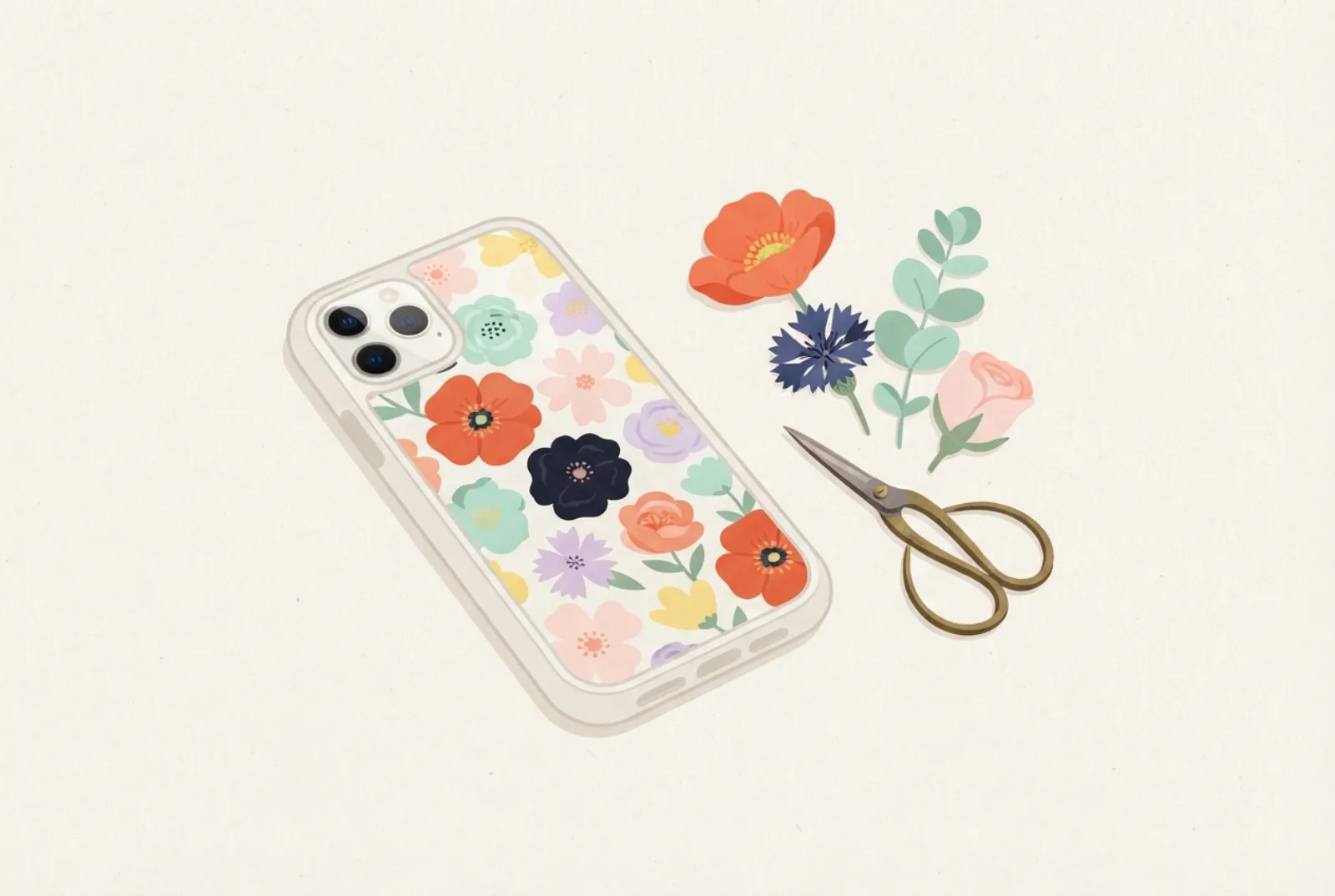
- Six free designs, each one a different mood: bright, delicate, soft, dramatic, airy and minimal.
- Each opens at your phone’s size in the maker; the camera window is marked so you can move the picture.
- Print at 100% (Actual size). Matte paper suits the painted looks; photo paper makes the bright ones pop.
Six free floral designs
Tap a design to open it in the maker. Your phone model is remembered after the first time.
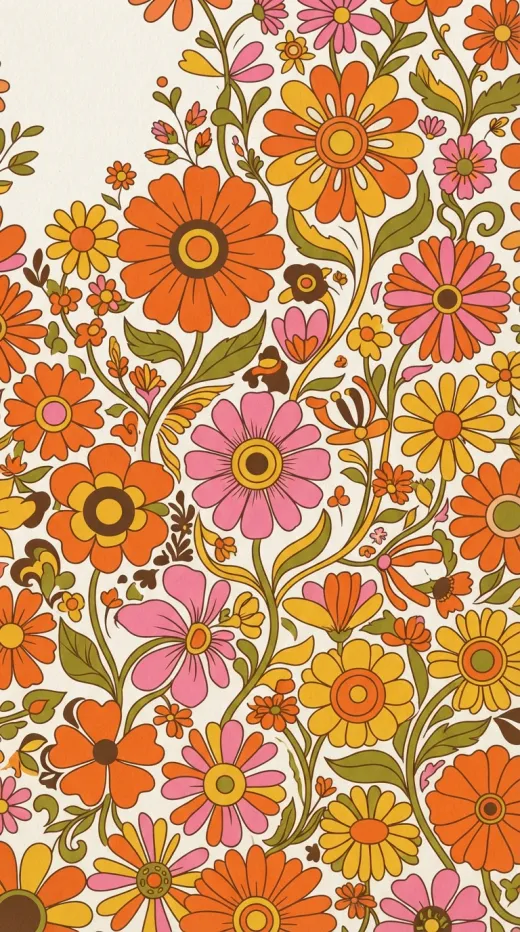 Retro flower power
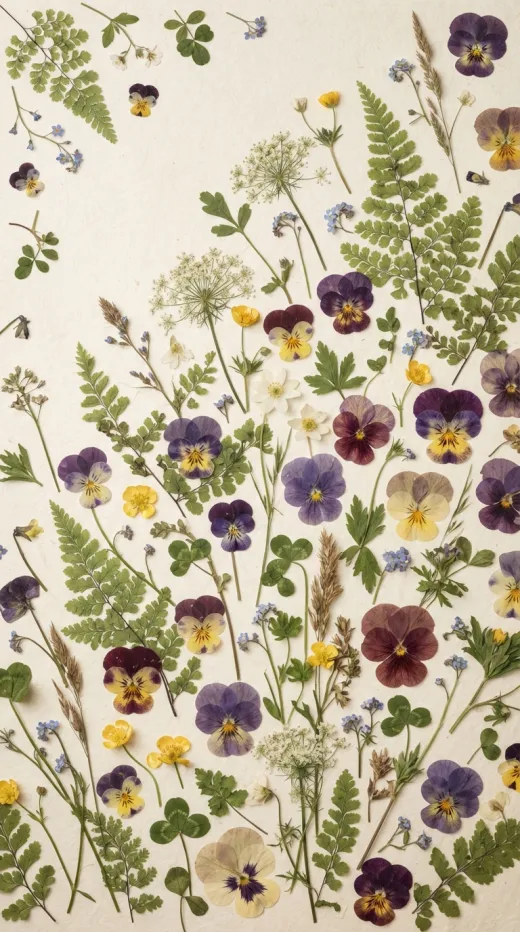 Pressed pansies and ferns
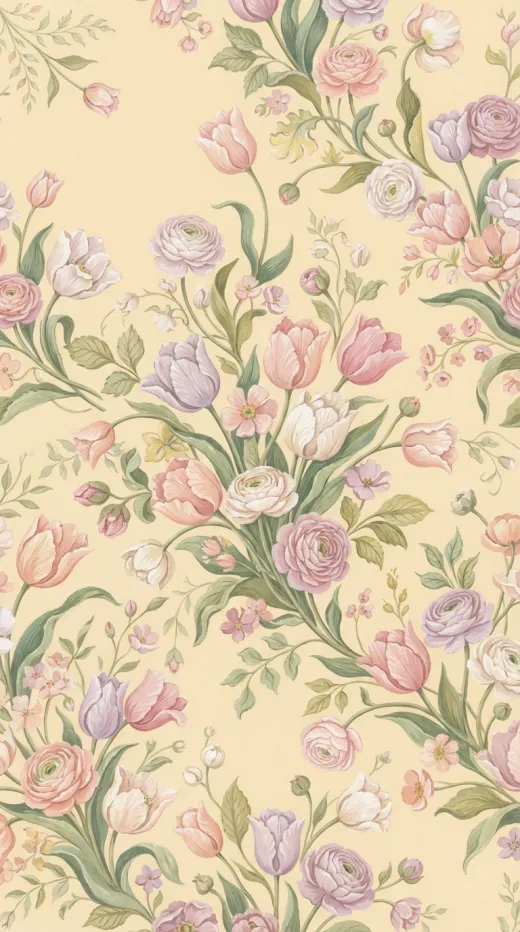 Pastel tulips
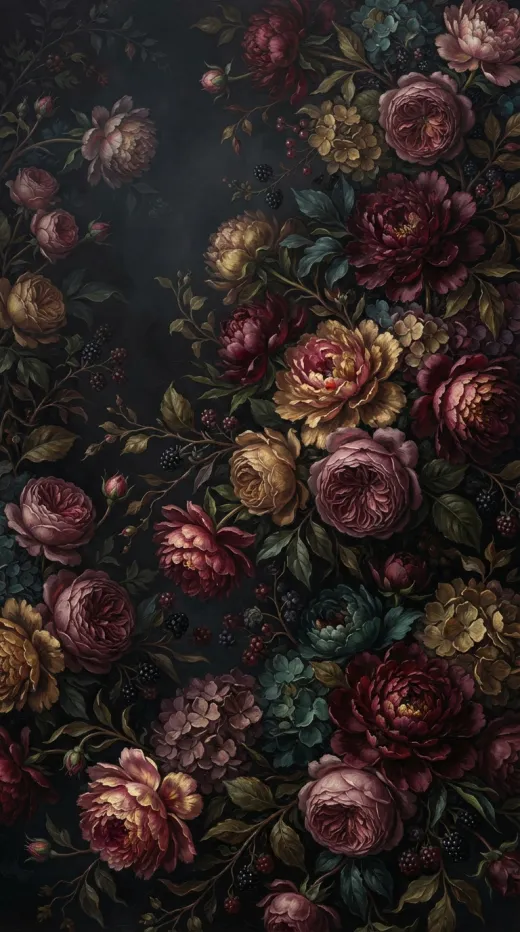 Moody peonies
 Cherry blossom
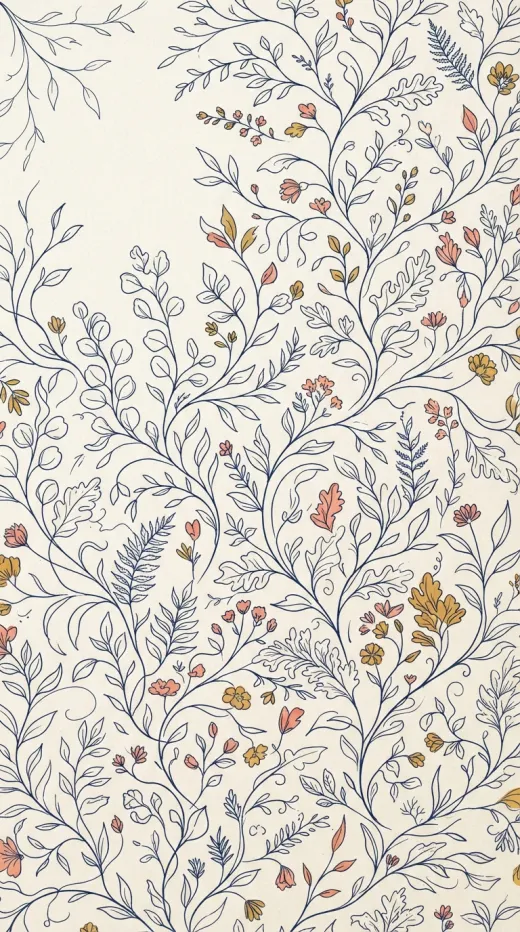 Line-art botanical
Designs are AI-generated illustrations, free for personal use; see the terms. More looks are in the ideas gallery.
Which floral style suits you?
This table is our own suggestion of mood and pairing, not a rule.
| Design | Mood | Works well with | Paper tip |
|---|---|---|---|
| Retro flower power | Bold, cheerful, 1970s | A white or cream phone, a plain case | Glossy photo paper keeps the orange and pink vivid |
| Pressed pansies and ferns | Delicate, botanical, calm | Any color phone; a clear case with no tint | Matte or lightly textured paper looks like herbarium paper |
| Pastel tulips | Soft, spring-like | Light or pastel phones | Plain paper is enough; avoid very bright photo paper |
| Moody peonies | Dramatic, dark, romantic | Dark phones and black frames | Print a test first: dark pictures use a lot of ink |
| Cherry blossom | Airy, calm, a lot of empty space | Light phones, a clear case that is not yellowed | Matte paper keeps the soft blue sky even |
| Line-art botanical | Minimal, quiet, modern | Any phone; a good base for initials | Plain paper; the thin lines need a sharp print |
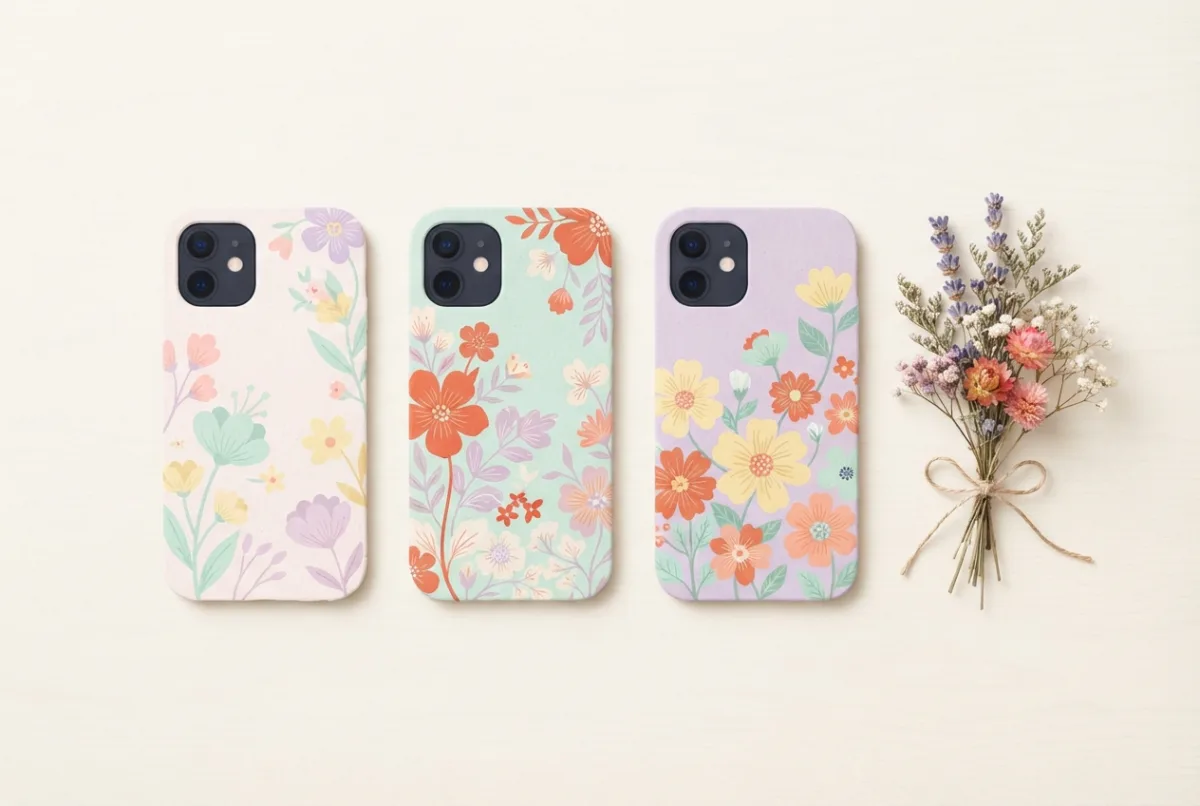
Make a floral insert your own
- Add initials. The personalized insert maker puts a name or monogram over a pattern; the line-art botanical leaves the most room.
- Use real flowers. Dried and pressed flowers can sit behind clear plastic; read the pressed flower guide for what to check first.
- Use your own photo. A close-up of a garden or a bouquet works well in the photo insert maker.
- Color it yourself. Prefer to color? The coloring pages include a butterfly garden full of flowers.
- Match your lock screen. The wallpaper and insert maker makes a matching wallpaper.
The six color palettes at a glance
Each design leans on a few colors. If you already have a phone color or a clear case with a tint, pick a palette that suits it.
Print and fit it in five steps
- Open a design. Choose one above and pick your exact phone model.
- Place it. Drag and zoom so a quiet part of the picture sits under the camera window.
- Add anything extra. Initials, a date or a sticker; keep text a few millimetres away from the edge.
- Print at 100%. Choose Actual size and check the 5 cm ruler. See how to print at 100%.
- Cut and slide in. Cut the outline and the camera window, then slide the paper behind the clear back.
If something looks off
| What you see | Likely cause | What to try |
|---|---|---|
| Colors look duller than on screen | Screens make color with light, printers with ink, and the two cannot show the same range | Print on glossy photo paper, or raise the brightness a little before printing |
| A white edge shows around the paper | The cut is outside the dashed line | Cut just inside the line; use the Fit setting for a thicker case |
| The pattern looks stretched | The printout was scaled to fit the page | Print again at Actual size and check the 5 cm ruler |
| The paper bends or bubbles | Paper too thick or too big for the case | Use plain or thin photo paper; see when an insert doesn’t fit |
| A warm tint over the pale designs | An older clear case that has begun to yellow | Choose a darker design or replace the case |
Keep the camera in mind
The camera window is cut out of the paper, so a flower in that corner will lose a petal. In the maker, drag or zoom until a quiet part (a leaf, some sky, a patch of background) sits under the camera. From looking at the designs, we expect dense patterns such as the retro daisies and the peonies to hide the cut edge best; for the cherry blossom, keep the main branch below the camera. More in the camera hole guide.
More floral ideas
Floral designs suit a birthday or a thank-you gift; our gift ideas show how to present one. For other floral looks, try the meadow and gingham designs in cottagecore, the ribbons and roses in coquette, or the calm botanicals in nature and minimal.
Questions
Are the flower designs free?
Yes, for personal use, with no account needed. Do not sell them as your own; the terms have the details.
Will it fit my phone?
Each design is resized to the model you pick in the maker, with the camera window marked. If your phone is not listed, measure your case and use a custom size; see how to measure.
Where should the camera window go?
Move a quiet part of the picture under it. From looking at the designs, we expect the dense ones (retro daisies, peonies) to hide a cut edge best; the cherry blossom and line art have more empty space, so keep the main subject below the camera.
What paper should I use?
Plain paper works for all six. Matte paper suits the painted looks, and glossy photo paper makes the bright ones richer. See the paper guide.
Can I use real flowers instead?
Yes, thin dried or pressed flowers can sit behind clear plastic, but moisture and thickness matter. Our pressed flower guide covers it.
Does a yellowed case change the look?
An older clear case can add a warm tint, which is most visible on the pale pastel and white-paper designs. See clear cases that don’t yellow.
Sources
- Wikipedia: CMYK color model (screens and printers do not share the same range of colors).
Find the template for your phone
Every guide works best with a true-size template for your exact model: iPhone templates, Samsung Galaxy templates, Google Pixel templates, iPad templates, or all phone models. Then open the insert maker to print it.